
Google Calendar Won't Delete a Calendar? Remove It with WebTools
If Google Calendar won't delete a calendar and just shows "Deleting..." forever, delete it with WebTools instead: sign in, list your calendars, tick the ones to remove and click "Delete Selected". WebTools also finds calendars that Google Calendar doesn't show at all, such as an old subscription, and removes them too.
It's free, and it keeps trying until Google accepts the deletion.
1. Google Calendar's delete gets stuck
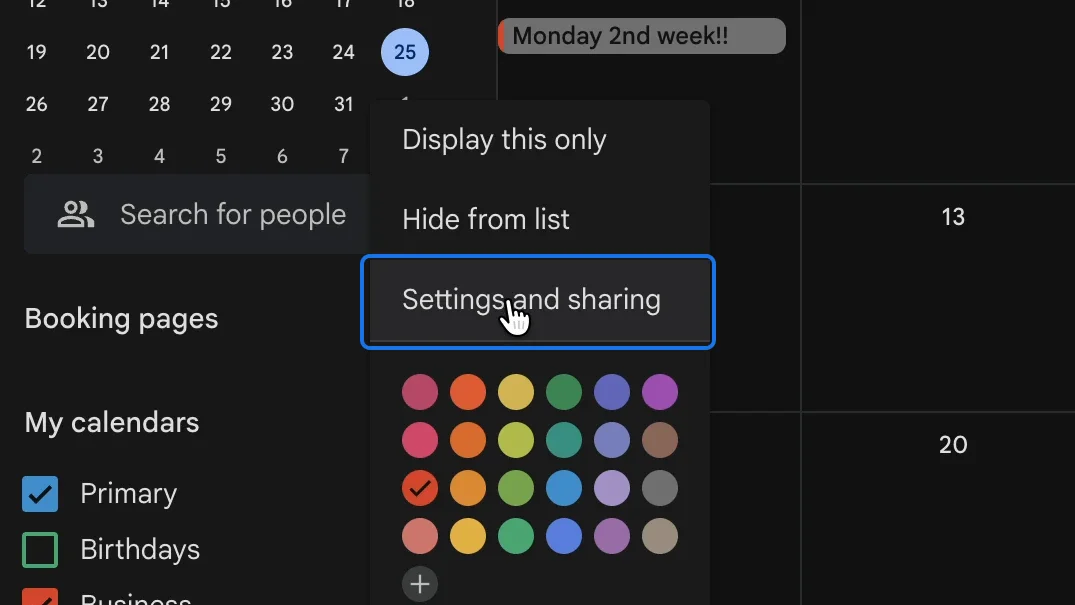
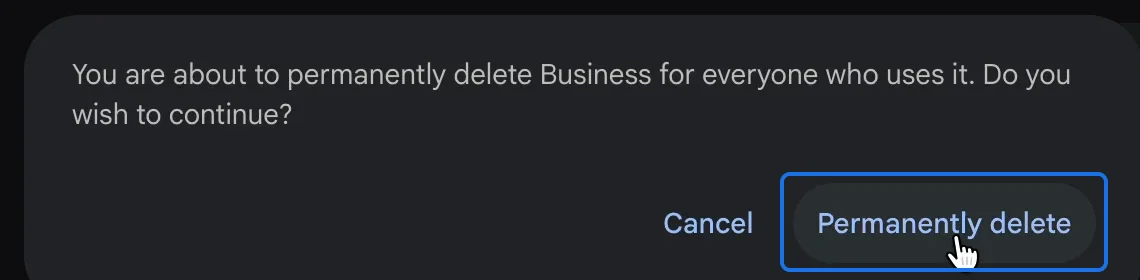
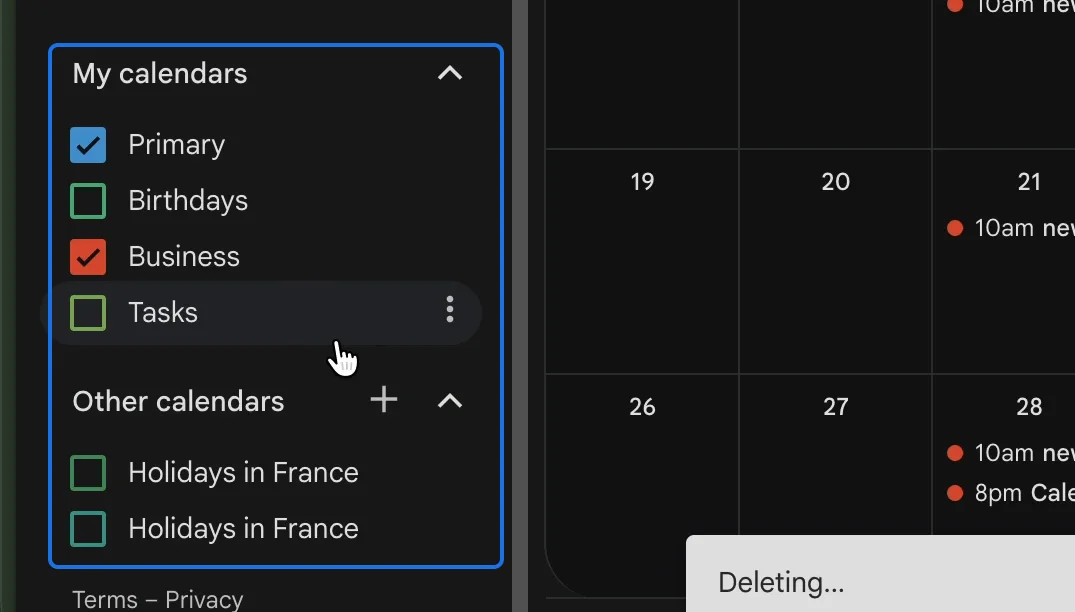
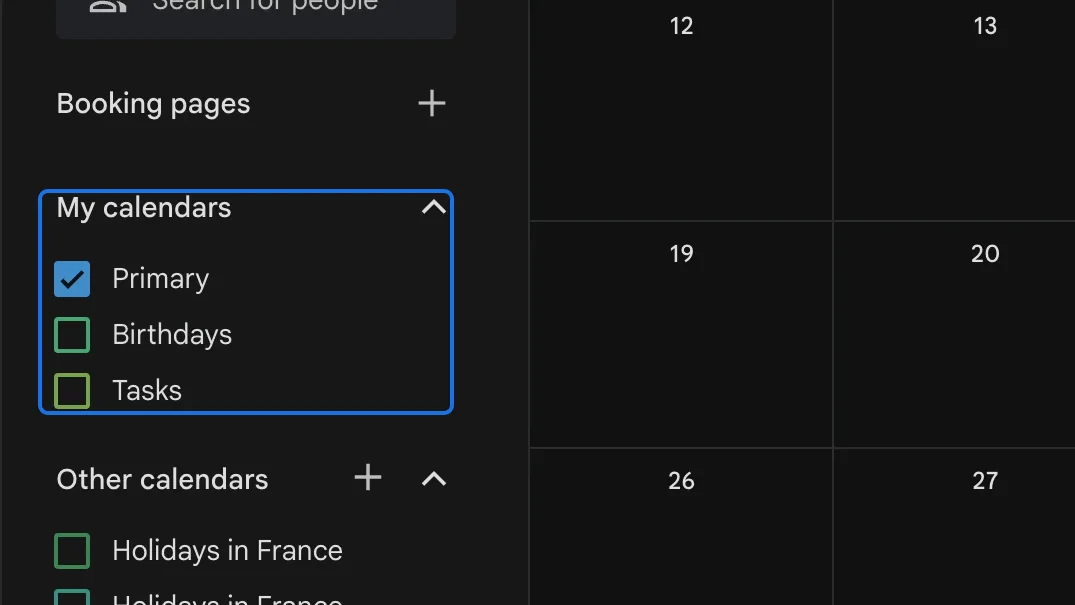
In Google Calendar, open the options of the calendar, choose "Settings and sharing", scroll down to "Delete calendar" and click "Delete". Confirm with "Permanently delete".
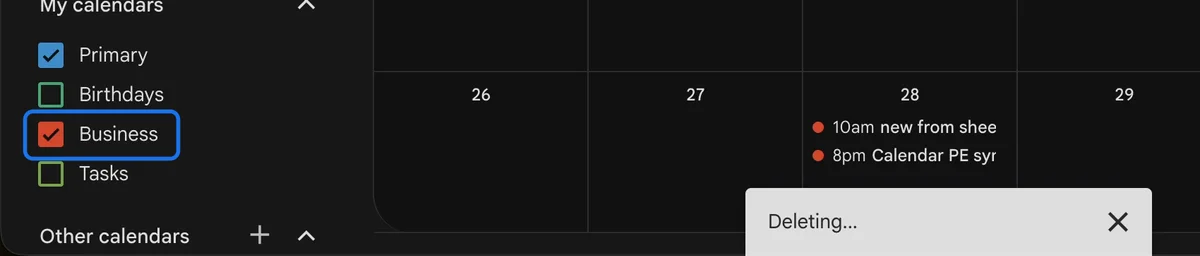
The message "Deleting..." appears, and that's as far as it gets. Thirty seconds later, the calendar is still in the list and the message is still there.
2. Calendars you can't even see
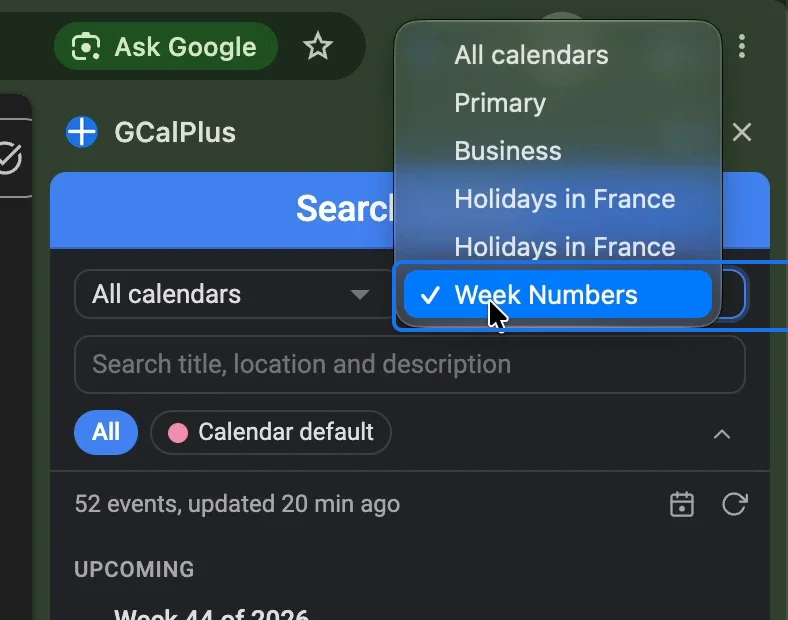
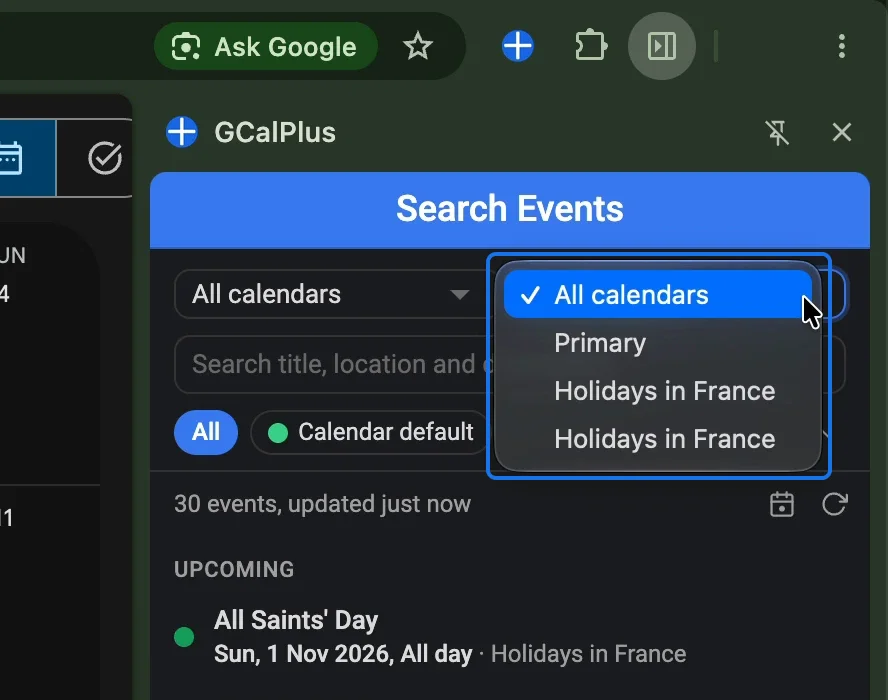
Some calendars don't appear in Google Calendar at all, so there is nothing to click to remove them. Here, GCalPlus finds 52 events in a calendar named Week Numbers, yet Week Numbers appears neither in the calendar list nor in the settings.
3. Open WebTools and sign in with Google
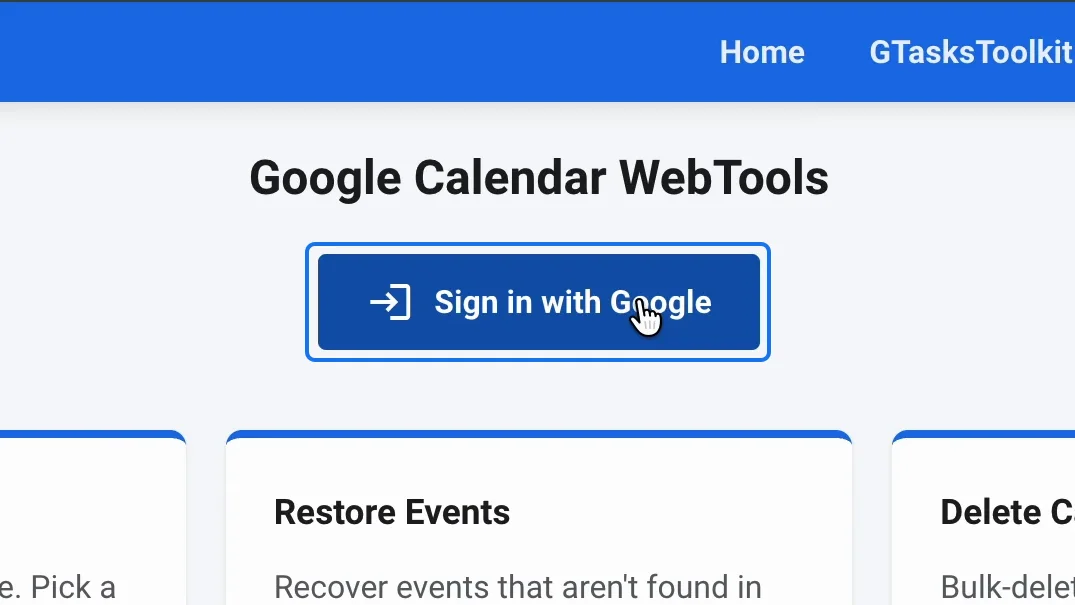
Open WebTools and click "Sign in with Google".
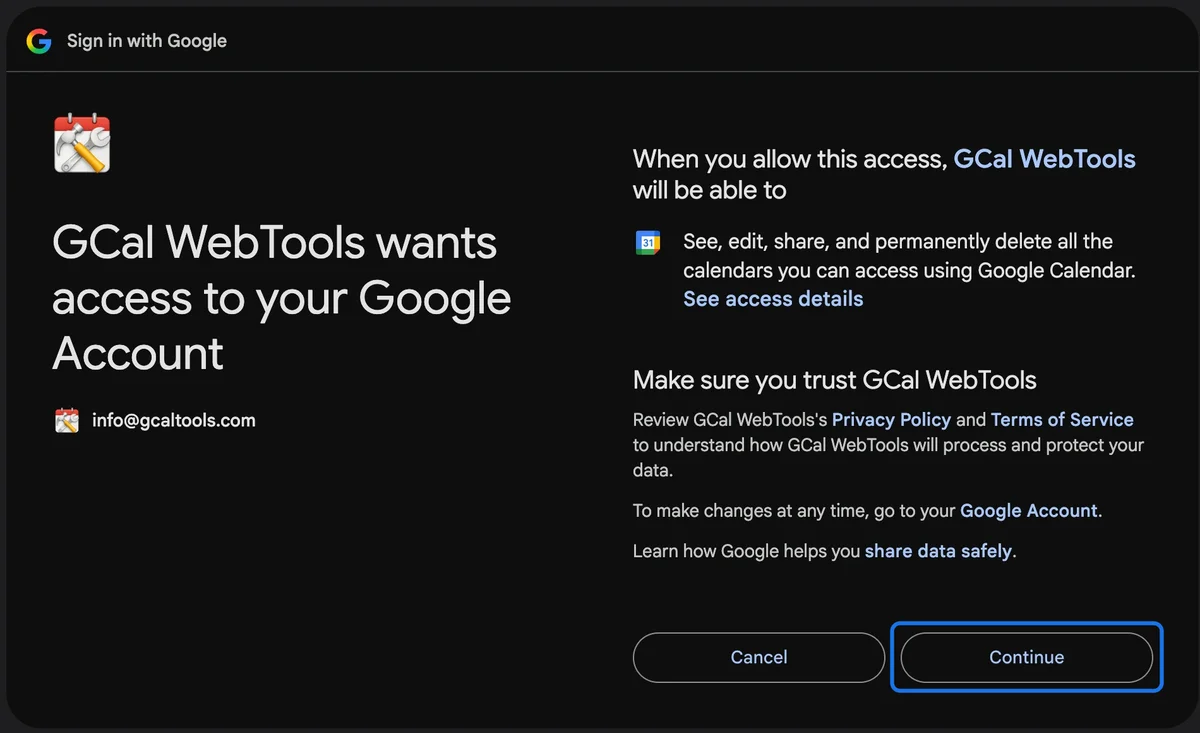
Google asks you to let WebTools see, edit, share and permanently delete your calendars, which it needs to delete them. Allow it with "Continue".
4. List your calendars
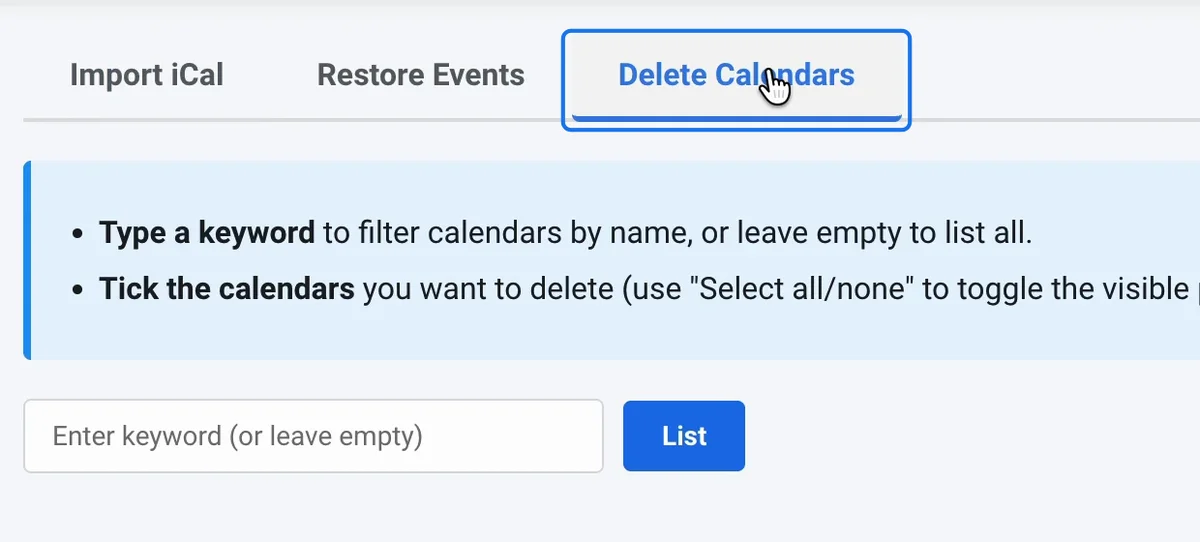
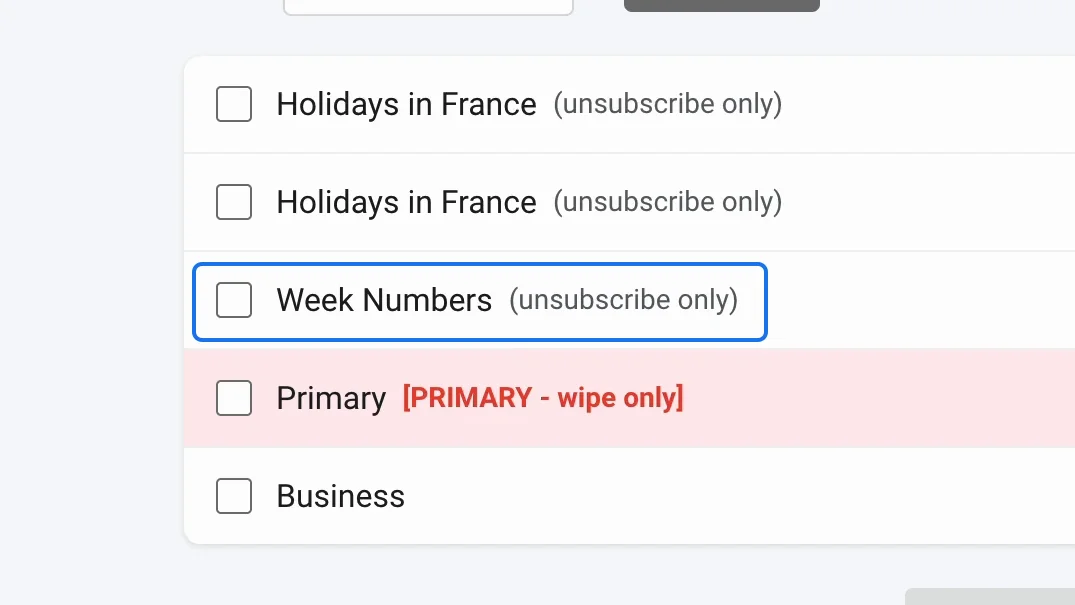
Go to the tab "Delete Calendars" and click "List". It shows every calendar in your account, hidden ones included.
A calendar you subscribed to, such as Week Numbers, is marked "unsubscribe only": you don't own it, so WebTools removes it from your account instead of deleting it. Your primary calendar is marked "PRIMARY - wipe only".
5. Tick the calendars and delete them
Tick the calendars to remove, click "Delete Selected", then "Confirm".
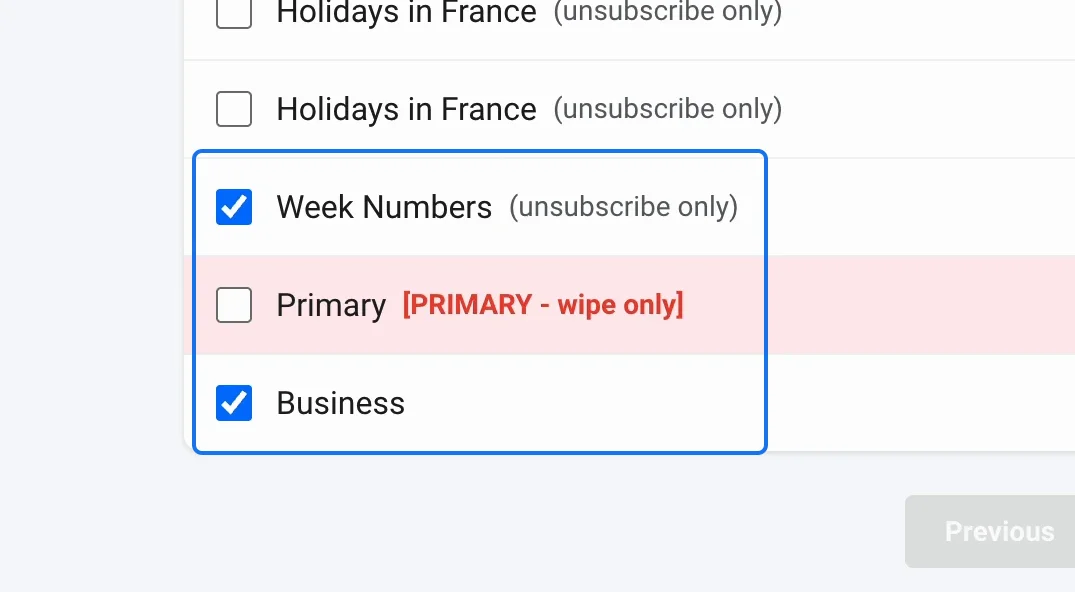
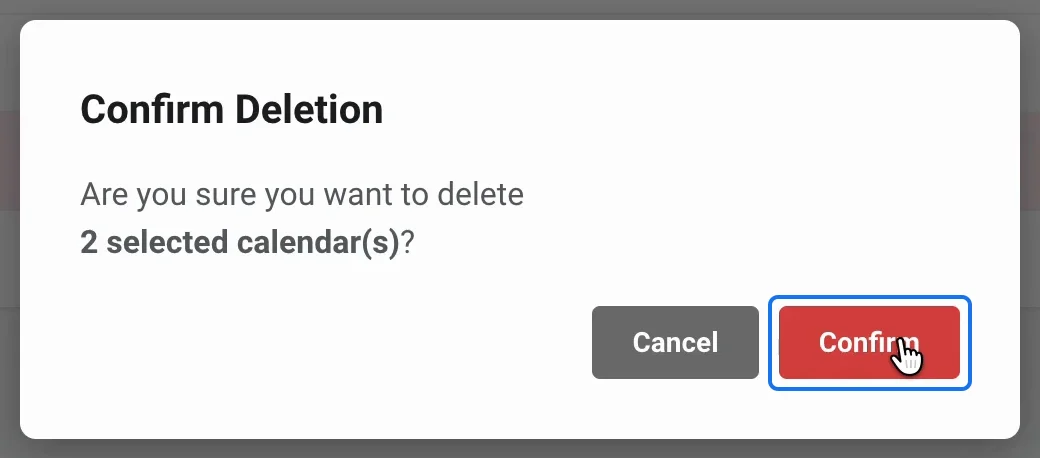
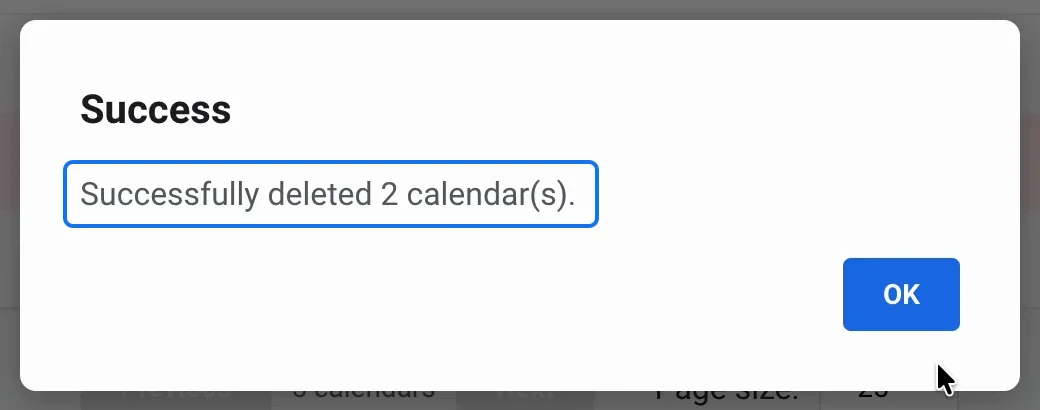
A subscription goes straight away. A calendar Google refuses to delete can take a minute or so: each time Google refuses, WebTools waits a little longer and tries again, until it succeeds. When it's done, you get the message "Successfully deleted 2 calendar(s)."
6. Check Google Calendar
Reload Google Calendar: the deleted calendar has gone from the list. In GCalPlus, after a refresh, Week Numbers is no longer among the calendars either.
Watch the full playlist on YouTube
Try it
Delete stubborn calendars for free with WebTools, and discover all our calendar tools at gcaltools.com.