Video tutorials
Step-by-step tutorials for Google Calendar and Google Tasks, each with its video: fixes for common problems, and how to get more done with each GCal Tools app.
Google Calendar tips and fixes
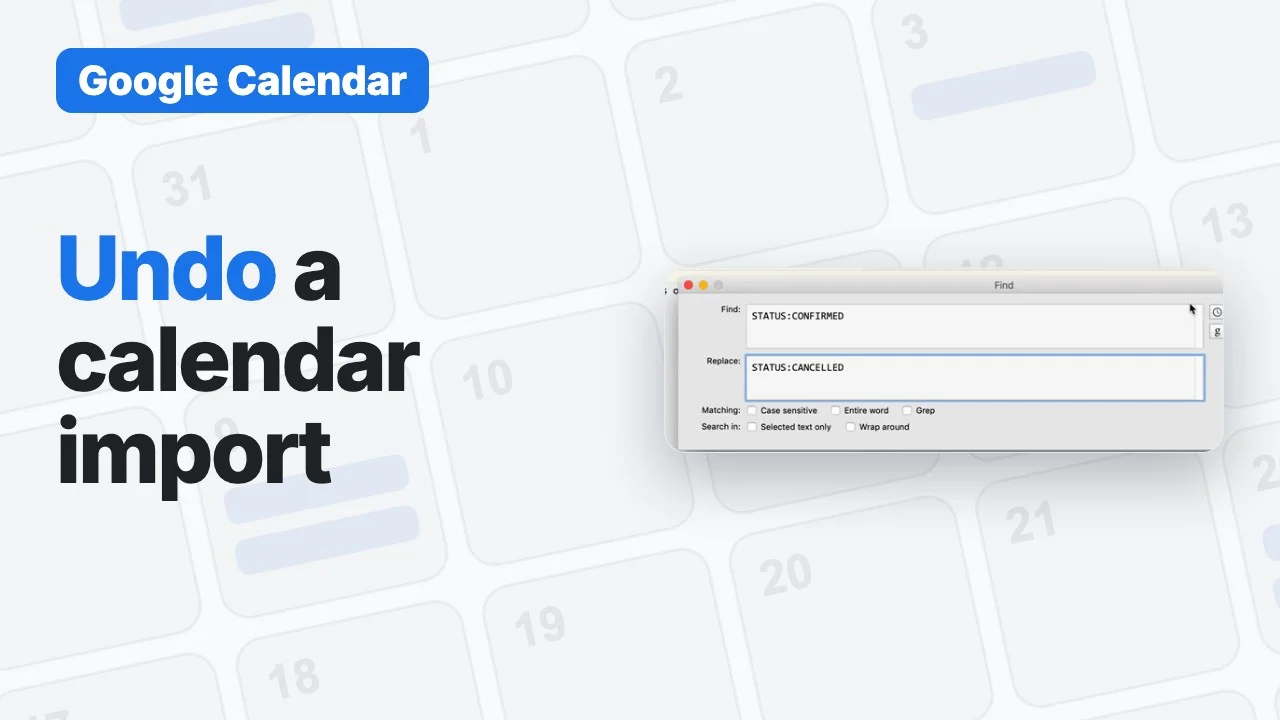 Undo an Import to Google Calendar by Re-importing the FileImported the wrong file into Google Calendar? Change every STATUS:CONFIRMED in the .ics file to STATUS:CANCELLED and import it again, and Google Calendar removes all the events it added.
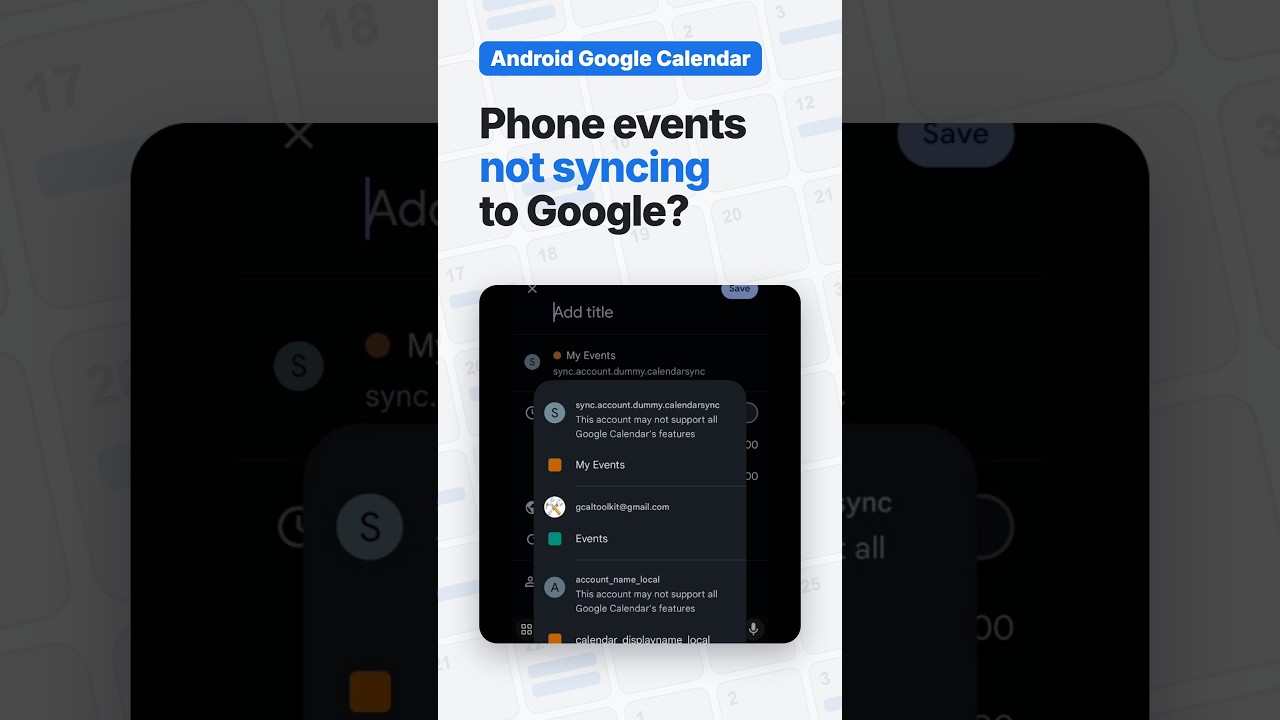 Events From the Google Calendar App Not Syncing? Check Which Calendar They're Saved ToIf events you create in the Google Calendar app don't appear in Google Calendar online, they're probably being saved to a calendar on your phone instead of a Google calendar.
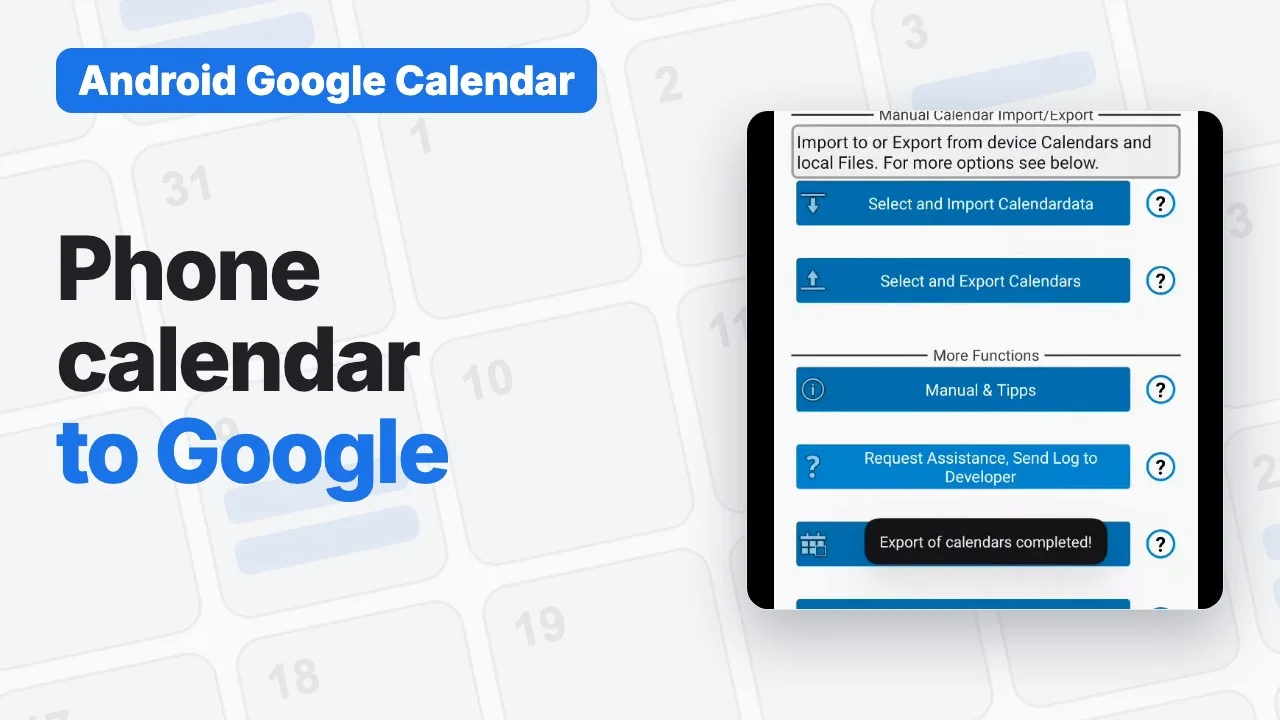 Move a Local Phone Calendar into Google Calendar on AndroidEvents saved to a local calendar on your phone stay on that phone and never reach Google Calendar. Export the local calendar with a free app, then import the file into Google Calendar on the web.
 Use the Google Calendar Website on a Phone Without Opening the AppTapping Google Calendar in a phone's search results opens the app. Type the address yourself and switch on your browser's desktop site, and you get the full website, with settings the app doesn't have.
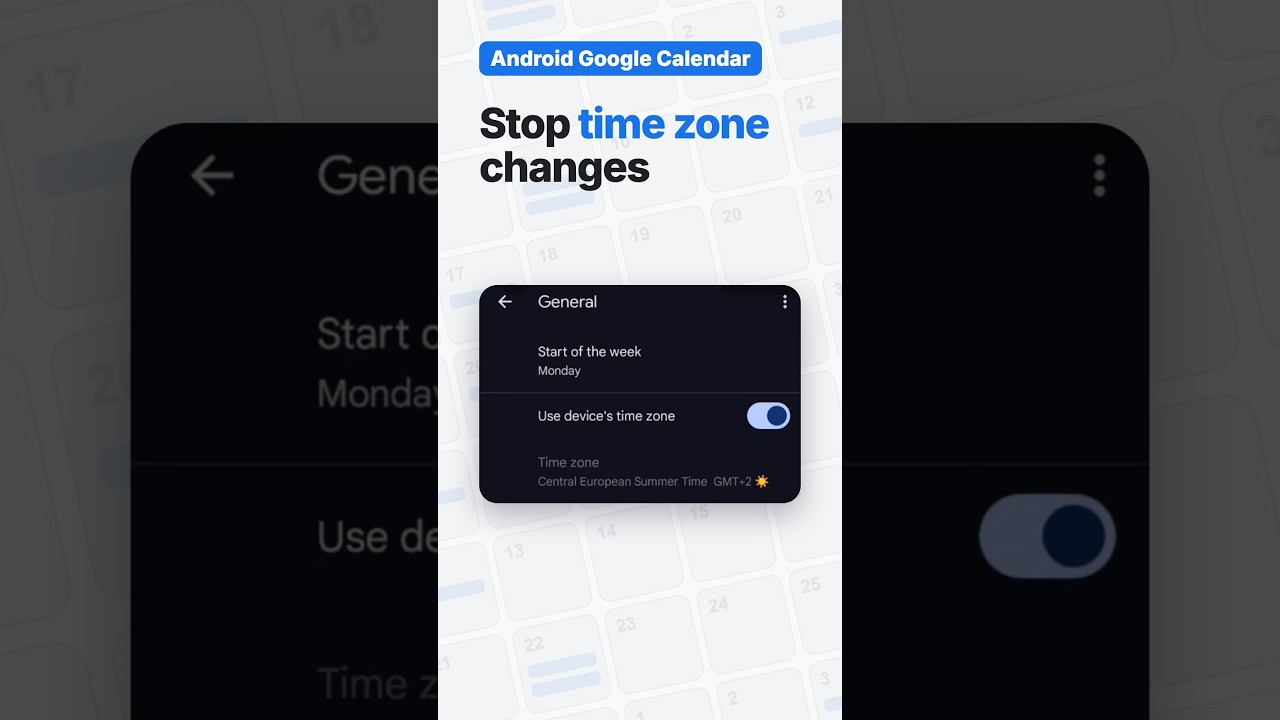 Stop the Google Calendar App Changing Time Zone When You TravelThe Google Calendar app follows your phone's time zone, so your calendar shifts when you travel. Switch off "Use device's time zone" and pick the time zone your calendar should stay in.
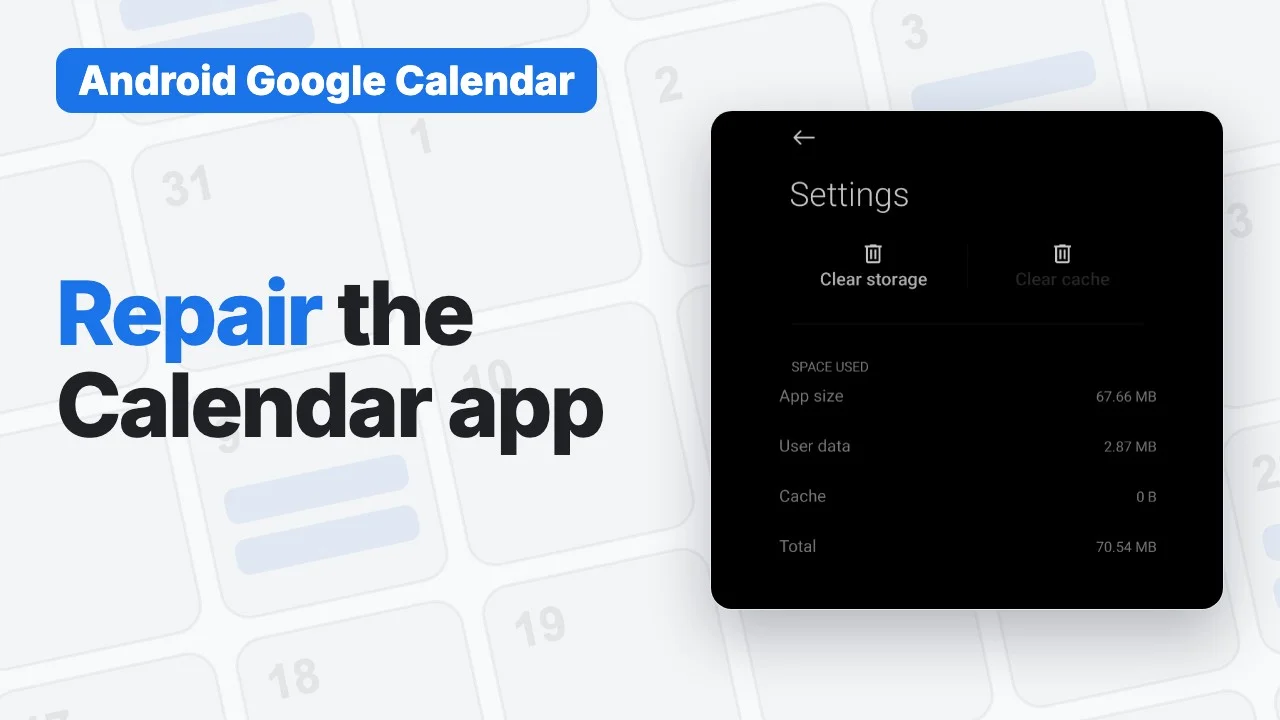 Fix the Google Calendar App Crashing or Not Opening on AndroidIf the Google Calendar app keeps crashing, freezing or won't open, even after a restart and a reinstall, clear its storage, and if that fails, reset Android's Calendar storage.
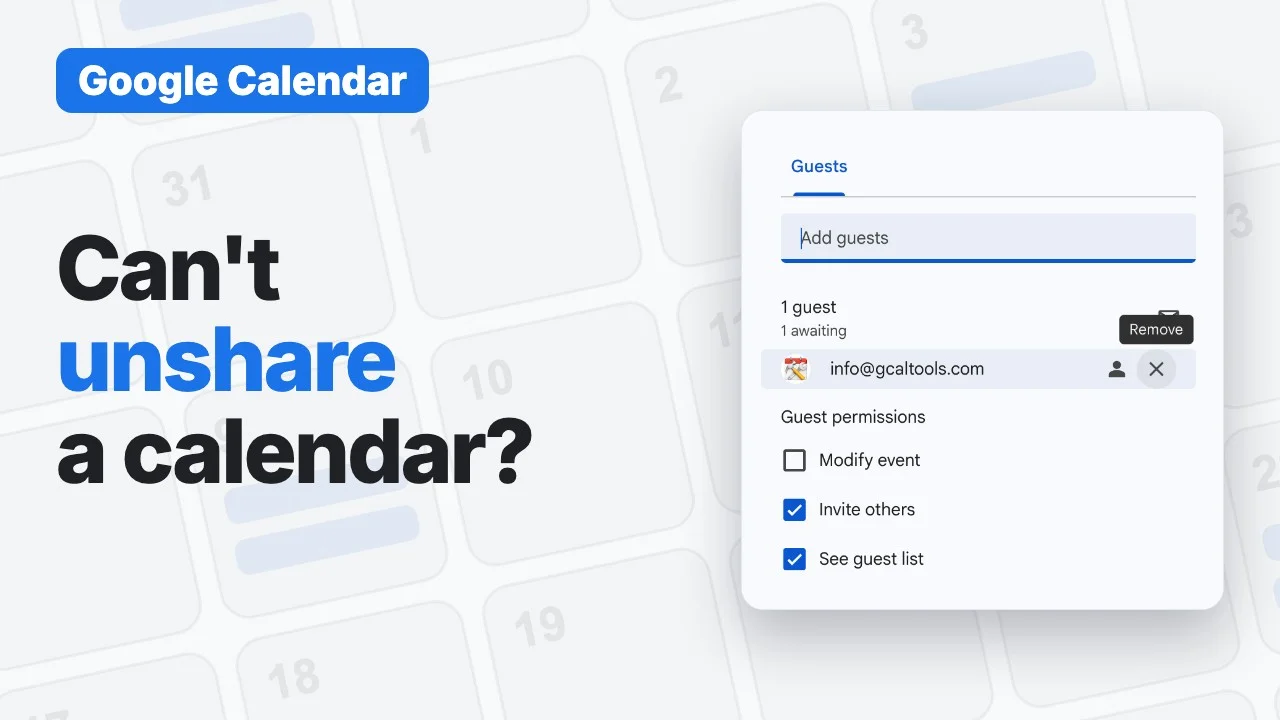 Can't Unshare a Google Calendar? Remove the Address With the API ExplorerIf someone keeps reappearing in a Google Calendar's sharing list after you remove them, take their access away with the Calendar API Explorer instead: patch their sharing rule to the role "none".
 Get a Missing Family Calendar Back in Google CalendarIf the Family calendar, or any calendar that hasn't been deleted, disappears from your Google Calendar, copy its Calendar ID from an account that still has it and subscribe to it again.
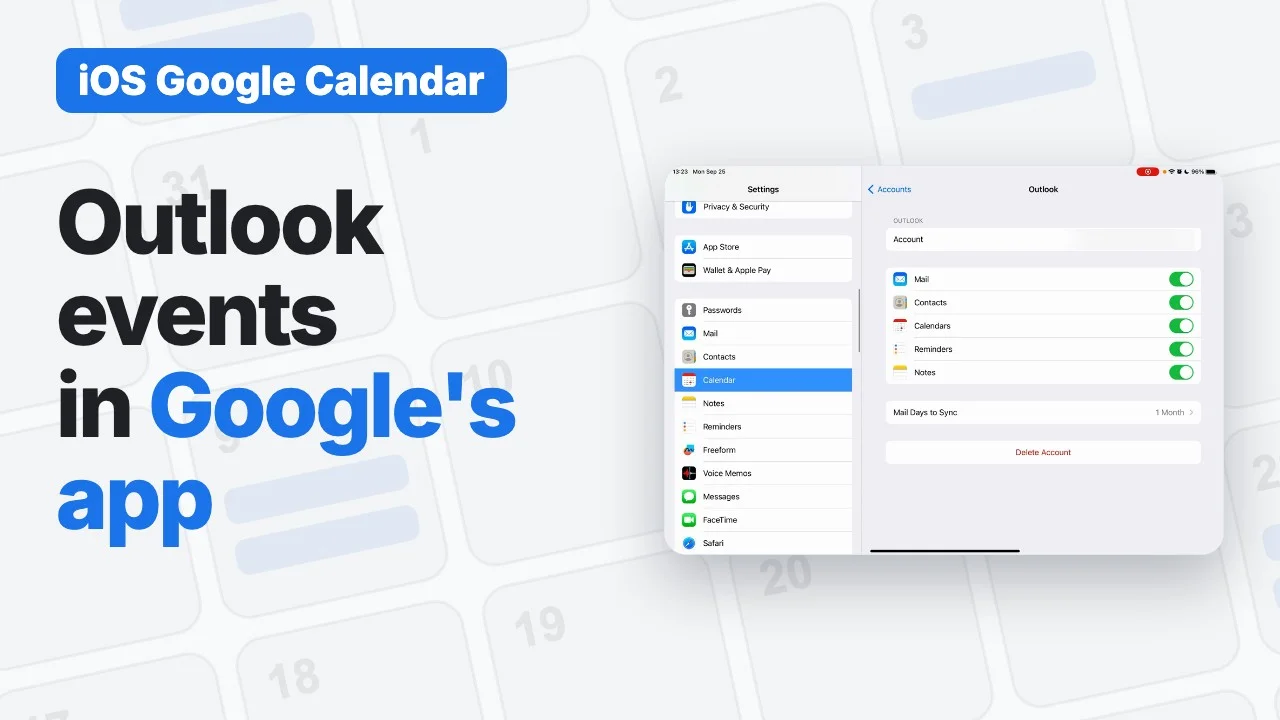 Show Outlook or iCloud Calendars in the Google Calendar App on iPhone and iPadThe Google Calendar app on iPhone and iPad can show your Outlook and iCloud calendars, but only once iOS shares its calendars with the app and you switch those accounts on in the app.
 Calendar Invitations Going to Spam or Rejected? Set Up SPF, DKIM and DMARCSince February 2024, Gmail checks that mail and calendar invitations sent to Gmail addresses are authenticated by the sender's domain. If your invitations go to spam or never arrive, check and set up SPF, DKIM and DMARC for your domain.
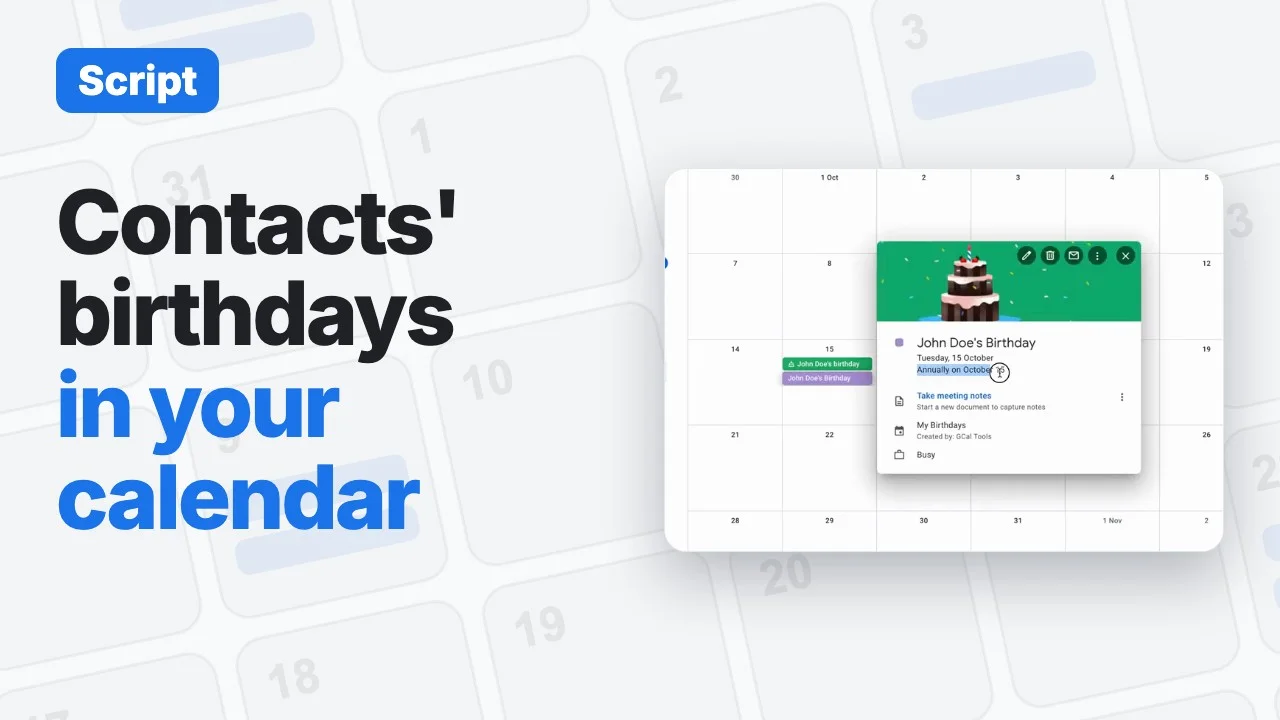 Show Your Contacts' Birthdays in Google Calendar with a Free ScriptIn some regions Google Calendar no longer shows your contacts' birthdays. A free Apps Script copies them from Google Contacts into a calendar you own, as yearly events you can edit, share, print and get reminders for.
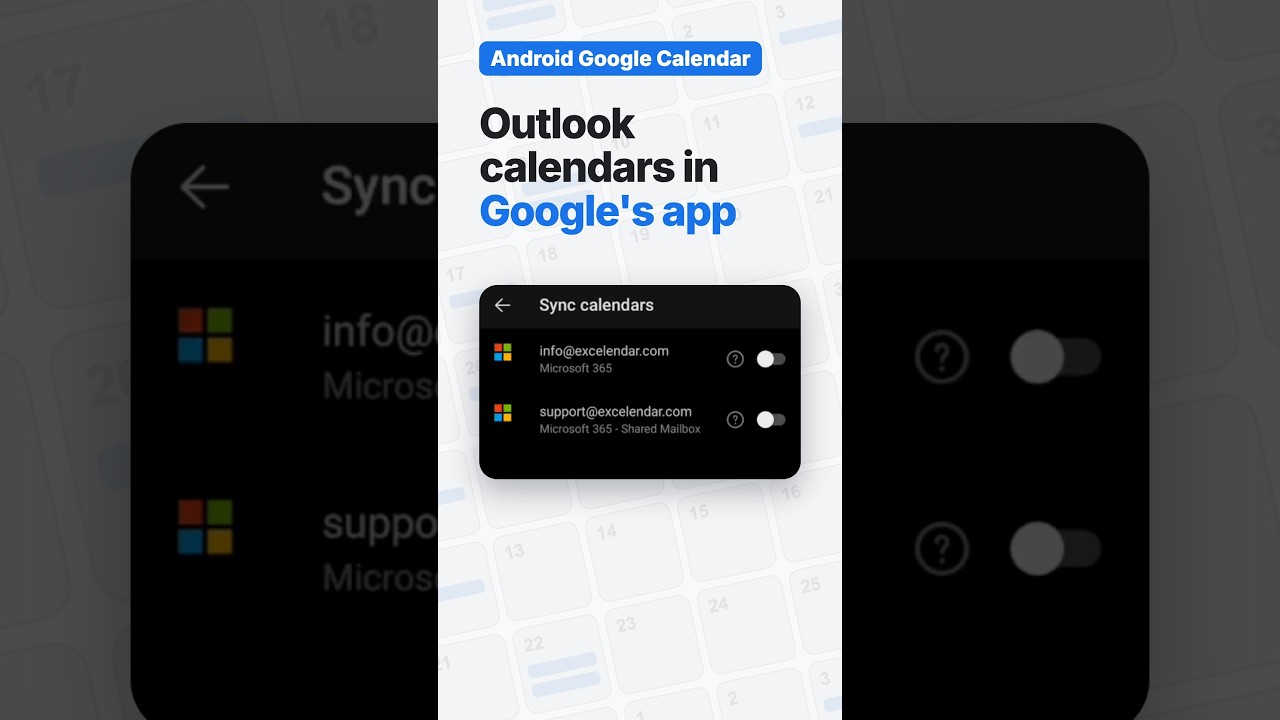 Show Outlook Calendars in the Google Calendar App on AndroidTo see Outlook calendars in the Google Calendar app on Android, let the Outlook app sync its calendars to the phone, then switch the account on in Google Calendar's Manage accounts.
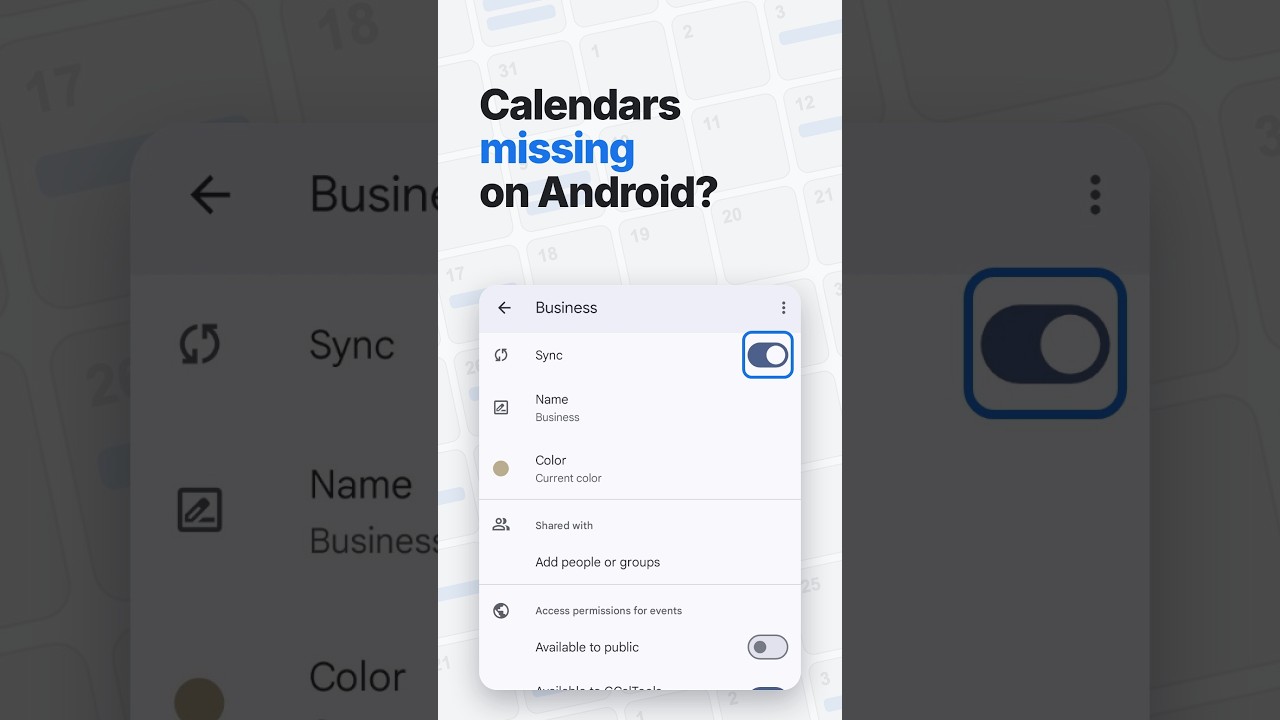 Calendars Missing in the Google Calendar App on Android? Turn On SyncOnly "My calendar" shows in the Google Calendar app on your Android phone, but your other calendars are there on the computer? Switch on Sync for each missing calendar in the app's settings.
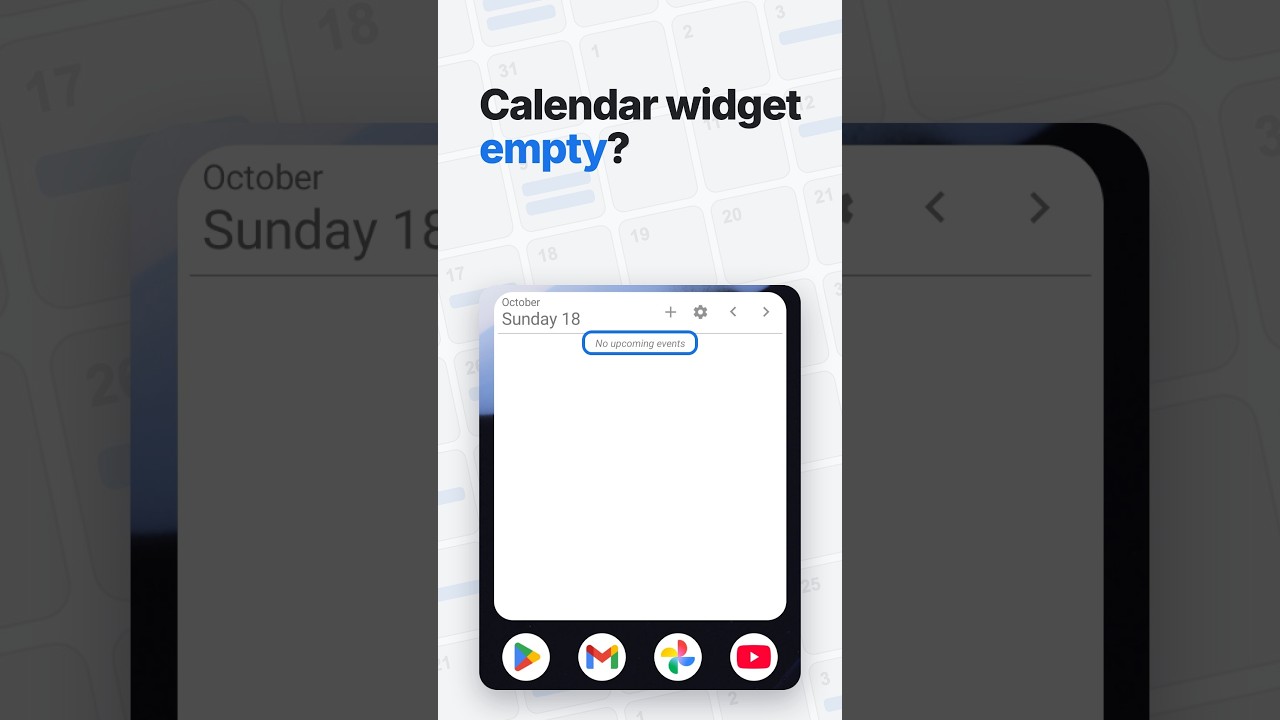 Calendar Widget Not Showing Google Calendar Events? 3 FixesYour Android calendar widget, or another calendar app, shows none of your Google Calendar events? Share Google Calendar's data with other apps, resync your account, and if that fails, switch the calendar's sync on with adb.
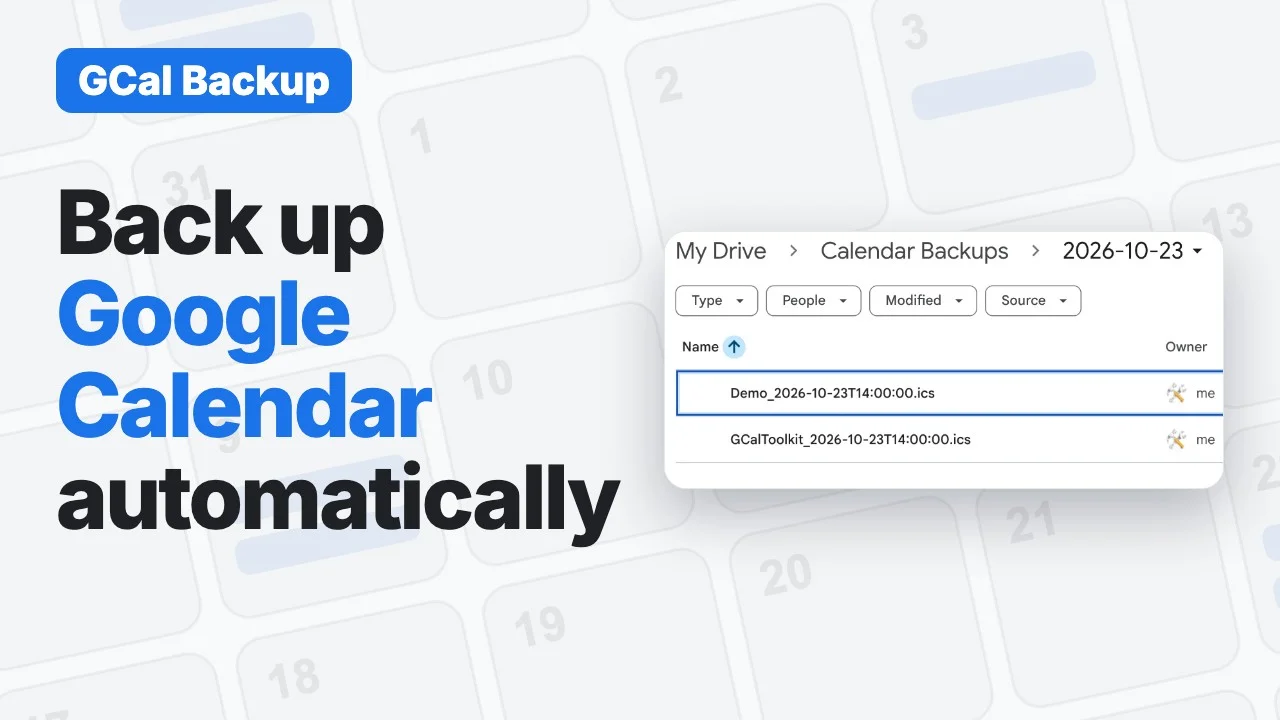 Back Up Google Calendar Automatically to Google Drive With GCal BackupGoogle Calendar keeps no backups of your events. GCal Backup is a free script that saves each calendar you choose to your Google Drive as an iCal file, automatically, every day.
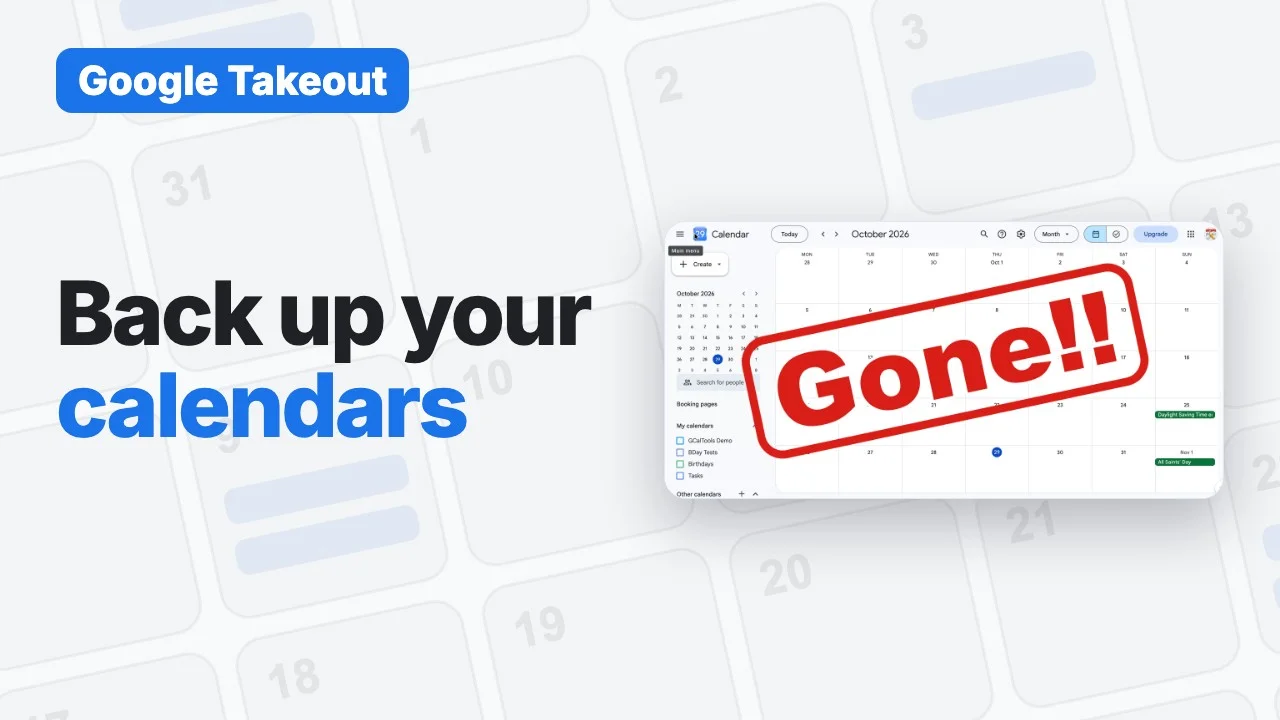 Back Up Google Calendar and Tasks with Google TakeoutGoogle keeps no earlier versions of your calendars or tasks and can't restore them. Google Takeout exports every calendar as its own iCal file, and your tasks too: here's how.
GCalToolkit
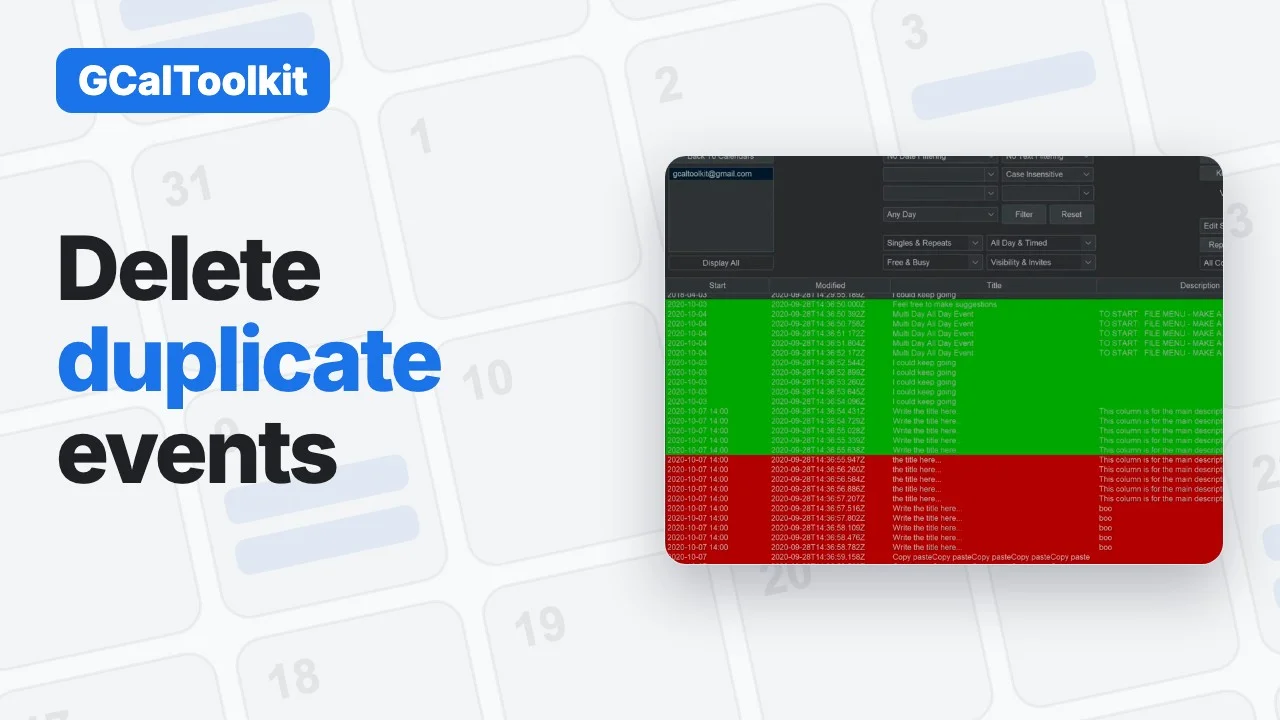 Delete Duplicate Events in Google Calendar with GCalToolkitSyncing Google Calendar with other software can duplicate your events by the hundred. Back up, stop the cause, then let GCalToolkit find the duplicates and delete them all in one go, so they don't come back.
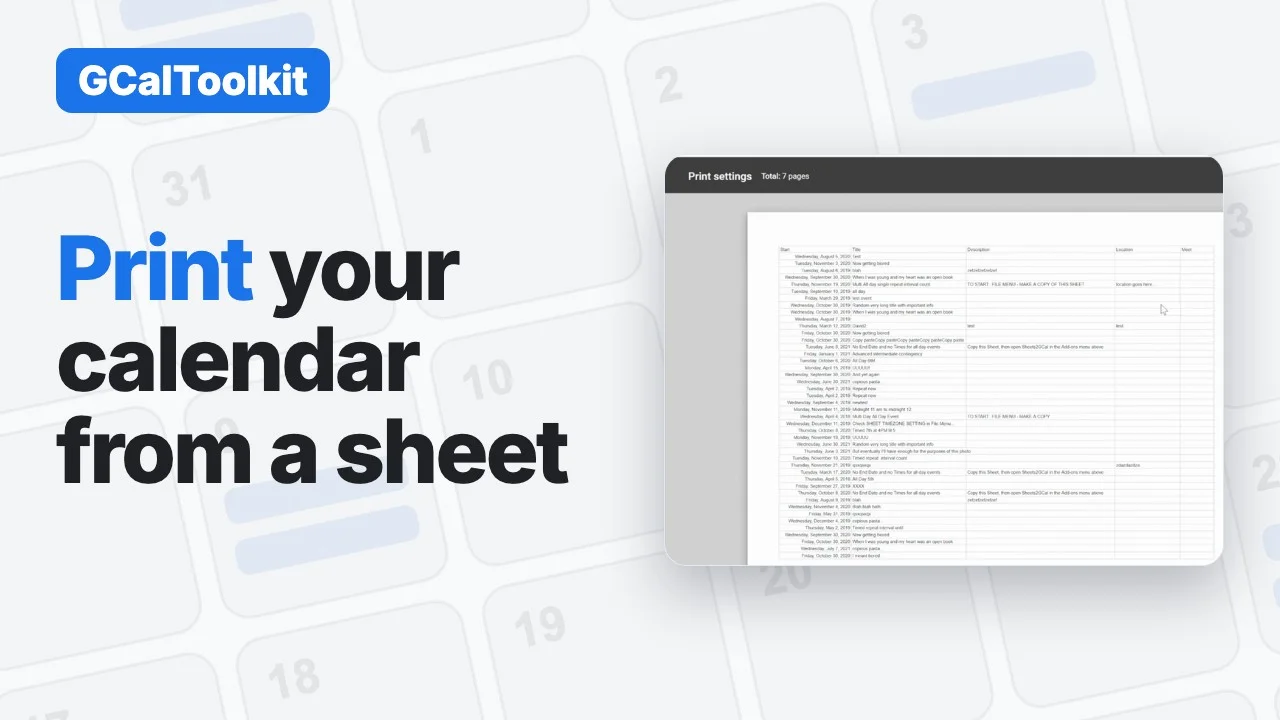 Print a List of Google Calendar Events with GCalToolkitGoogle Calendar prints its day, week and month views, but not a list of just the events and details you need. GCalToolkit filters your events, chooses the columns, and prints the list or saves it as a spreadsheet.
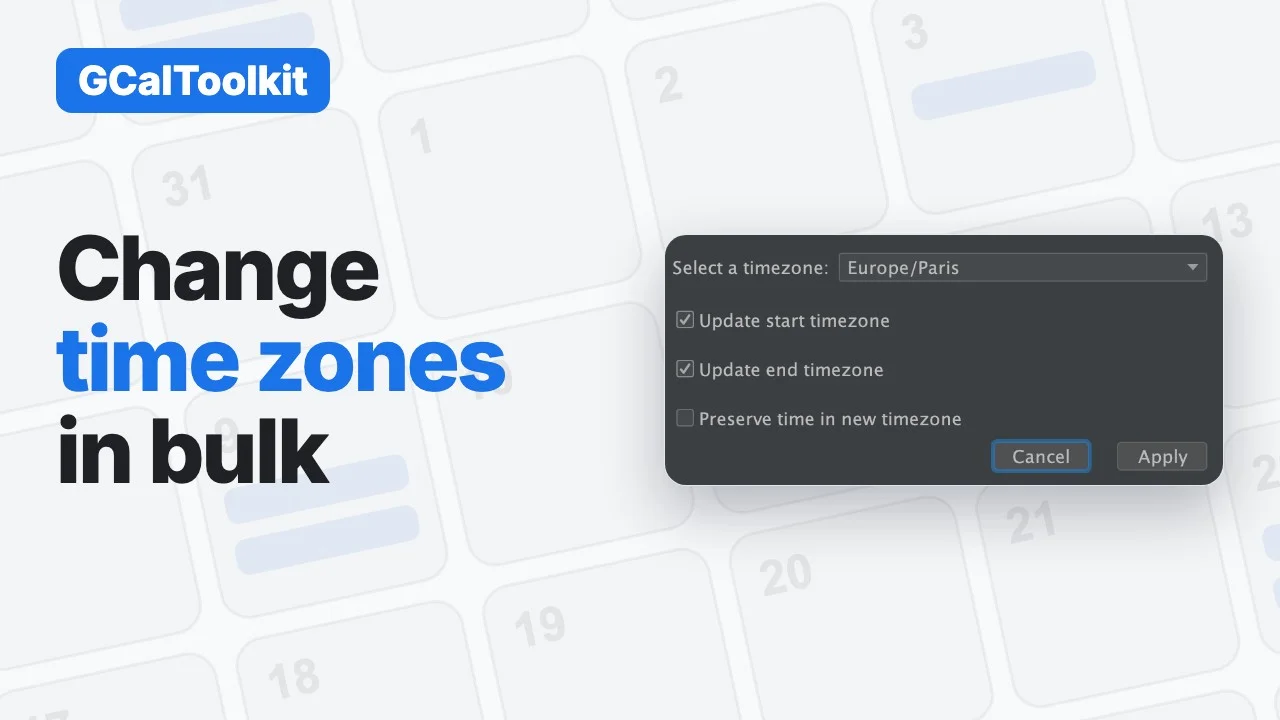 Change the Time Zone of Many Google Calendar Events at OnceImported events sometimes have the wrong time zone, even though they show at the right time in Google Calendar. GCalToolkit changes the time zone of many events at once, without moving them.
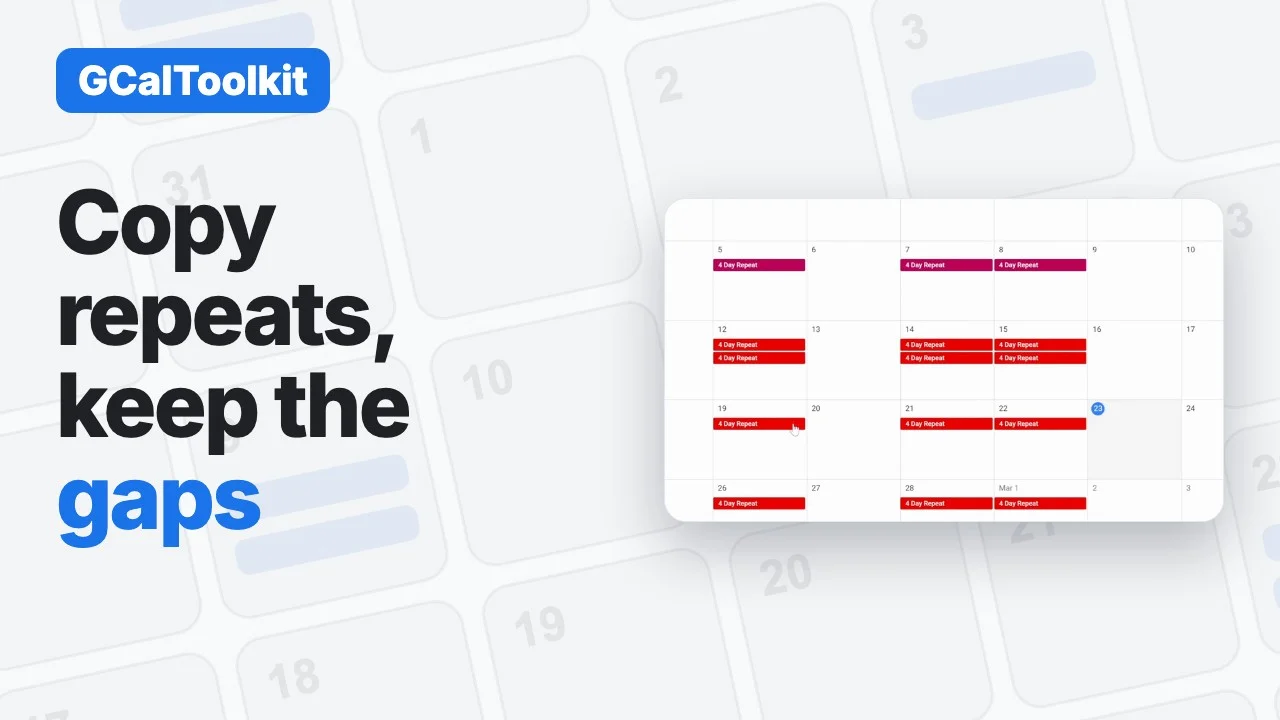 Copy Repeating Events in Google Calendar Without Losing Deleted OccurrencesGoogle Calendar's Copy brings back any occurrence you deleted from a repeating event. GCalToolkit copies the series exactly as it is, and can shift the copy by a week or repeat it several times.
GCalExtras
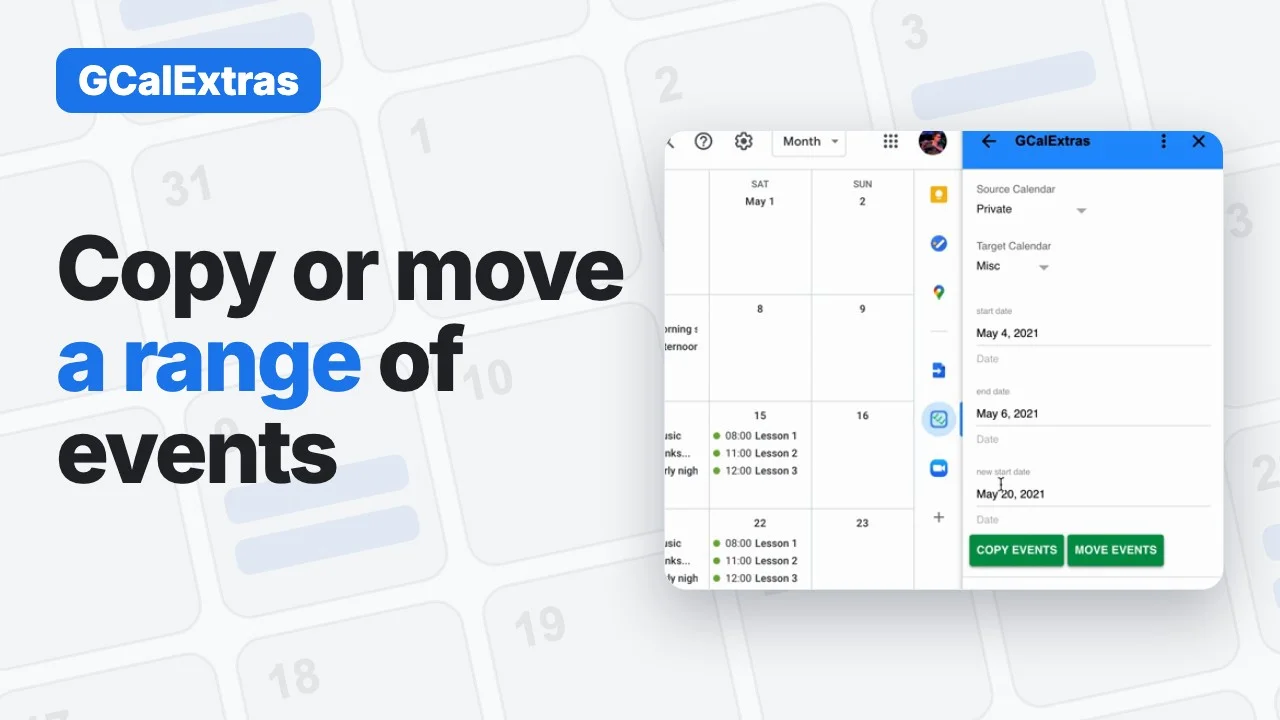 Copy or Move a Range of Google Calendar Events to New DatesGoogle Calendar copies events one at a time. The GCalExtras add-on copies or moves every event in a date range to new dates, on the same or another calendar, in one go.
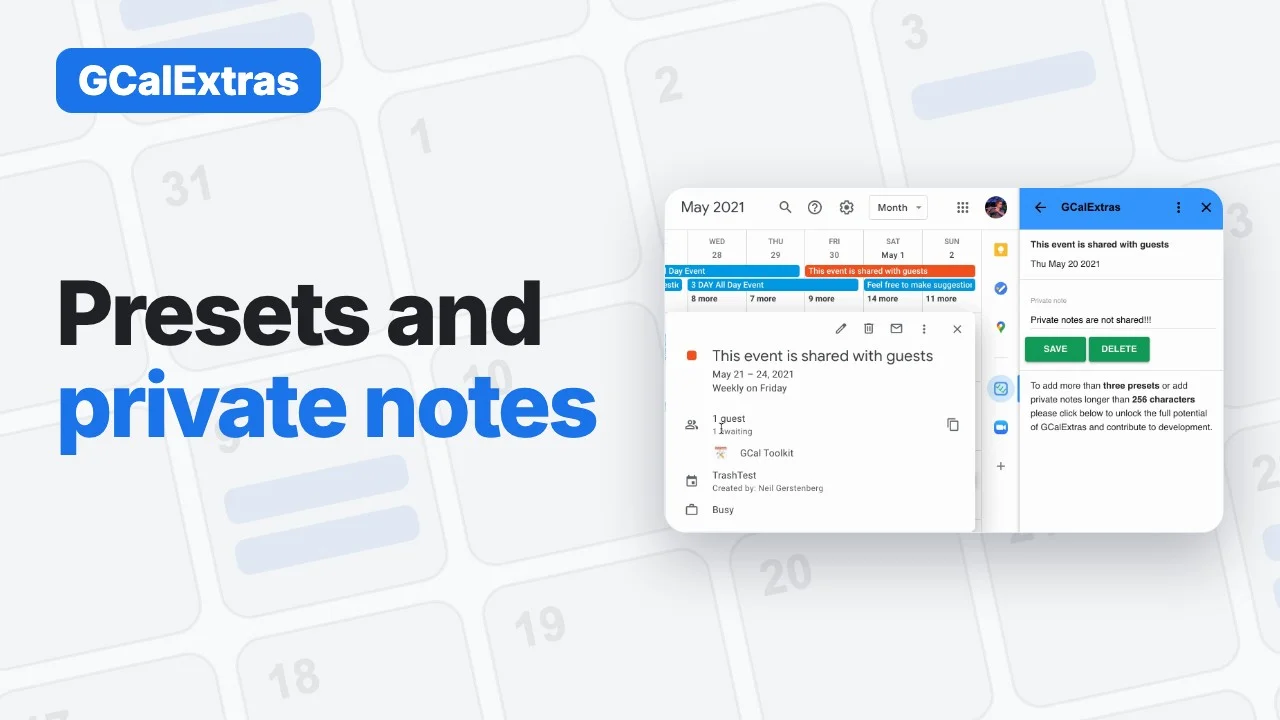 Save Groups of Calendars and Add Private Notes in Google CalendarGoogle Calendar makes you tick and untick calendars one by one, and has no private notes. GCalExtras saves groups of calendars as presets you switch to in one click, and keeps private notes on any event in a Google Sheet you own.
Sheets2GCal
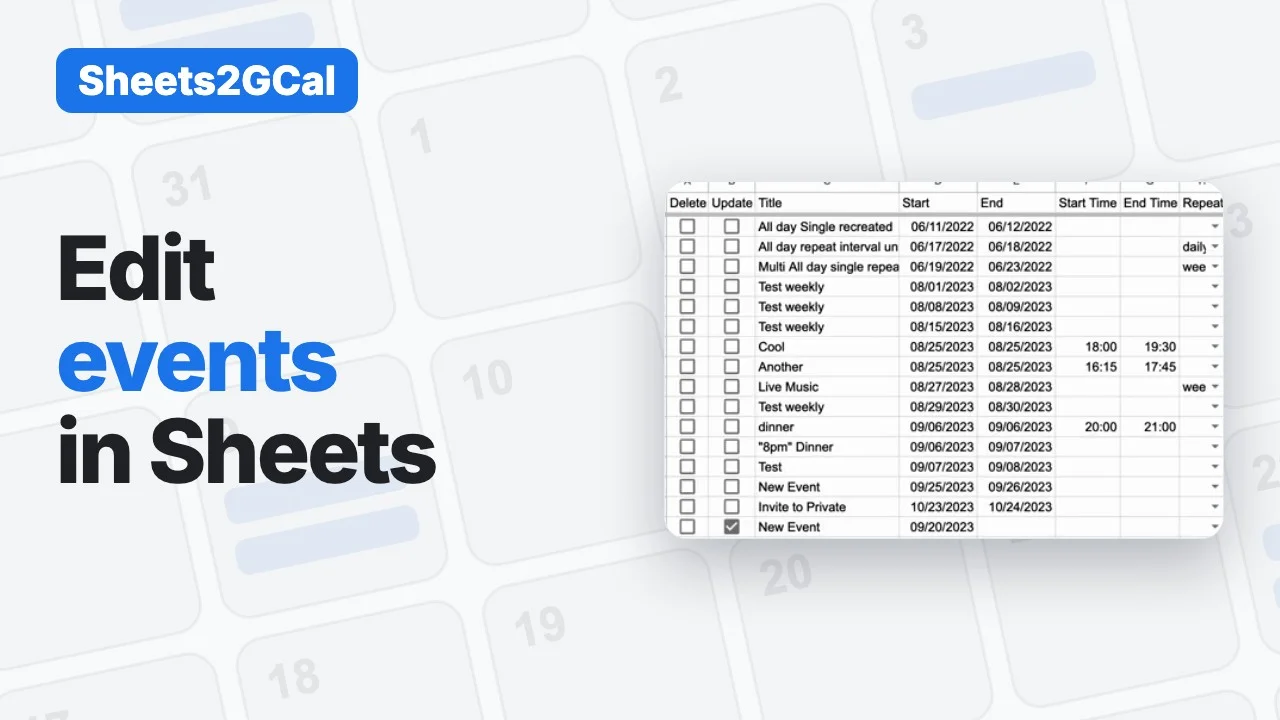 Edit Google Calendar Events in Google Sheets With Sheets2GCalImport a Google Calendar into a Google Sheet with Sheets2GCal, create and edit events in the rows, then export the changes back to the calendar. Or link a blank sheet to a calendar to start creating events straight away.
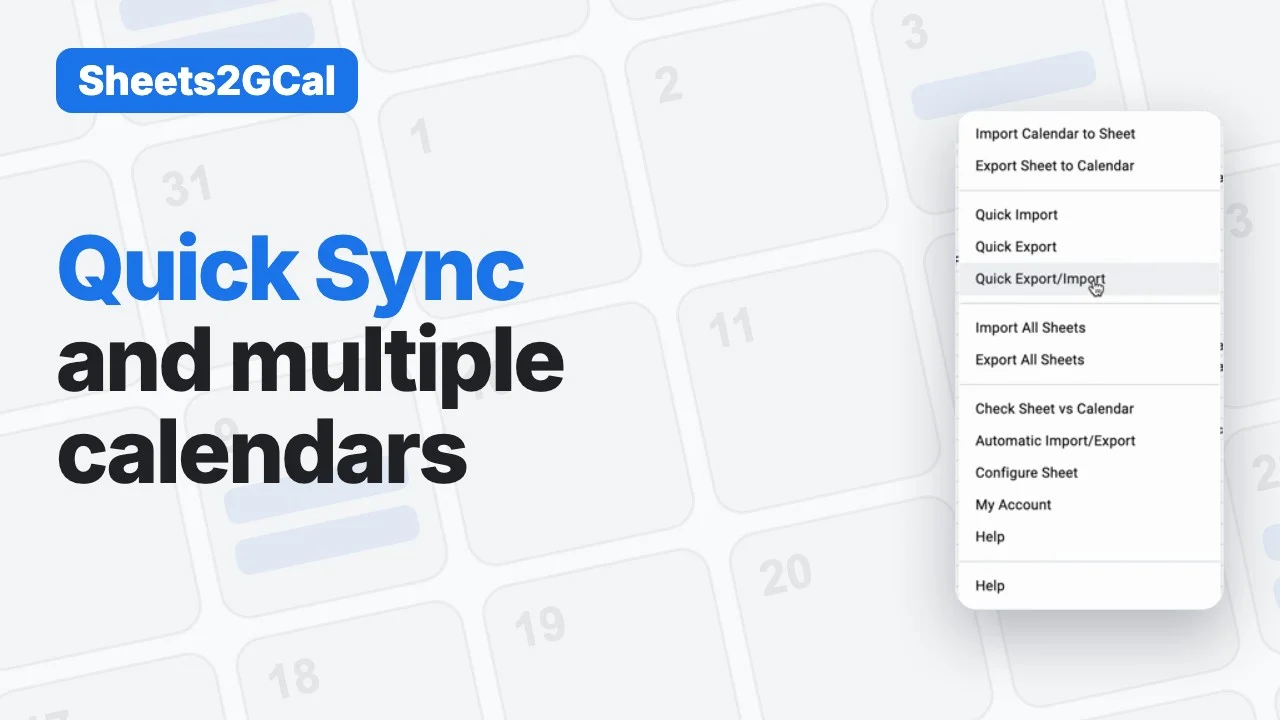 Quick Sync and Multiple Calendars in One Spreadsheet With Sheets2GCalSheets2GCal's Quick Import, Quick Export and Quick Sync repeat your last import or export without opening the sidebar, and one spreadsheet can hold a sheet for each of your calendars, updated together with Import All Sheets and Export All Sheets.
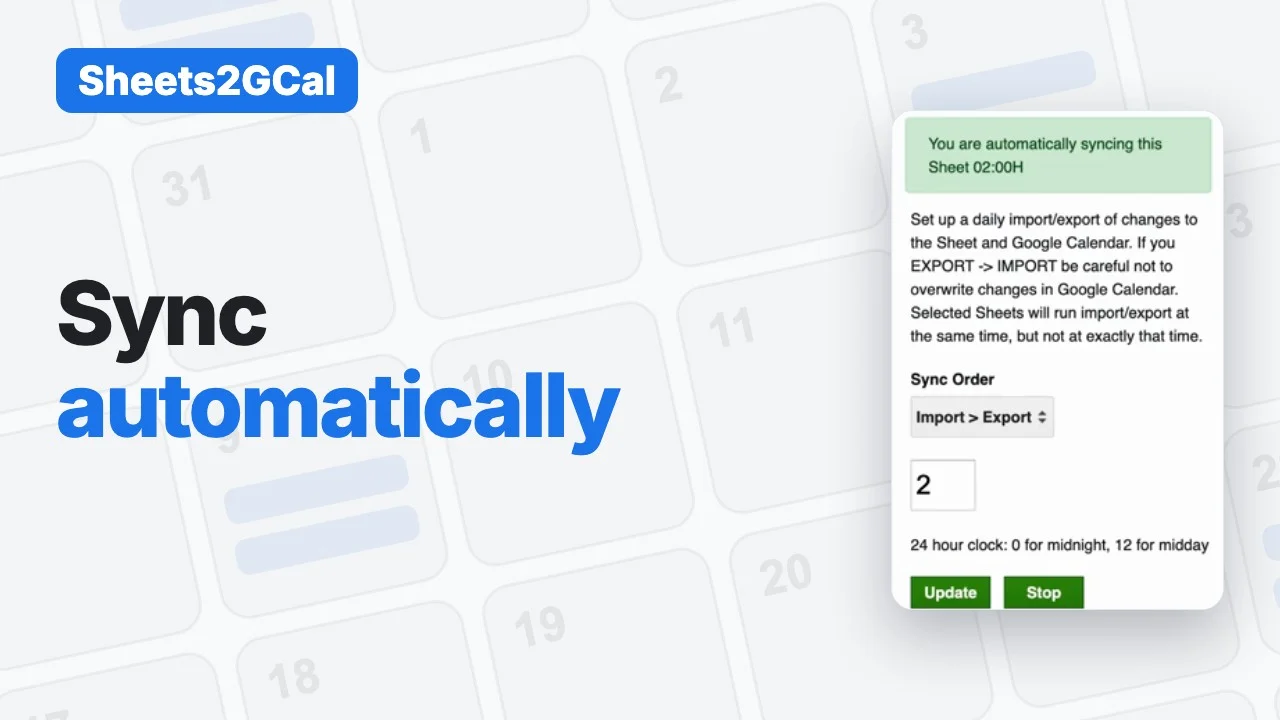 Sync Google Sheets and Google Calendar Automatically With Sheets2GCalSheets2GCal can sync a sheet and its Google Calendar on its own, daily or every few hours. Check Mismatched Events finds what differs, Import Changes & New Events pulls in calendar changes, and Automatic Sync runs import and export in the order you choose.
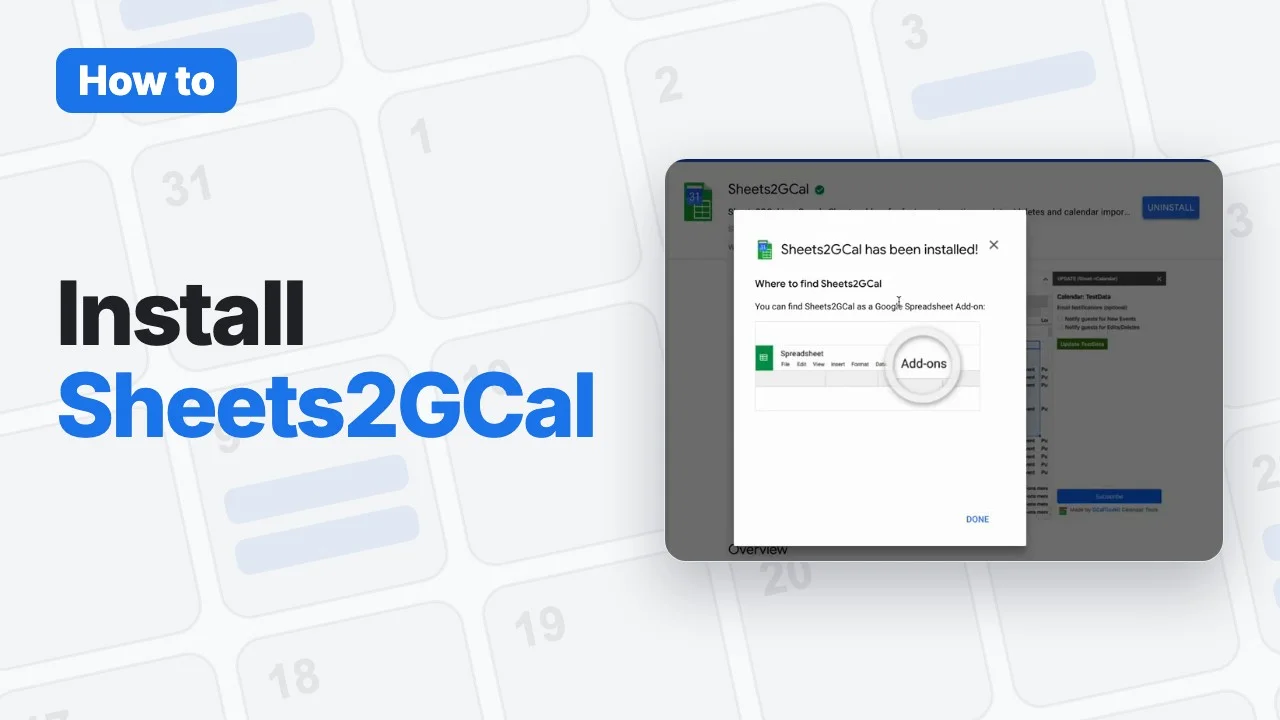 Install Sheets2GCal to Sync Google Calendar With Google SheetsSheets2GCal is a Google Sheets add-on that creates, edits and imports Google Calendar events from a spreadsheet. Install it from the Google Workspace Marketplace, allow its permissions, and open it from the Extensions menu in Google Sheets.
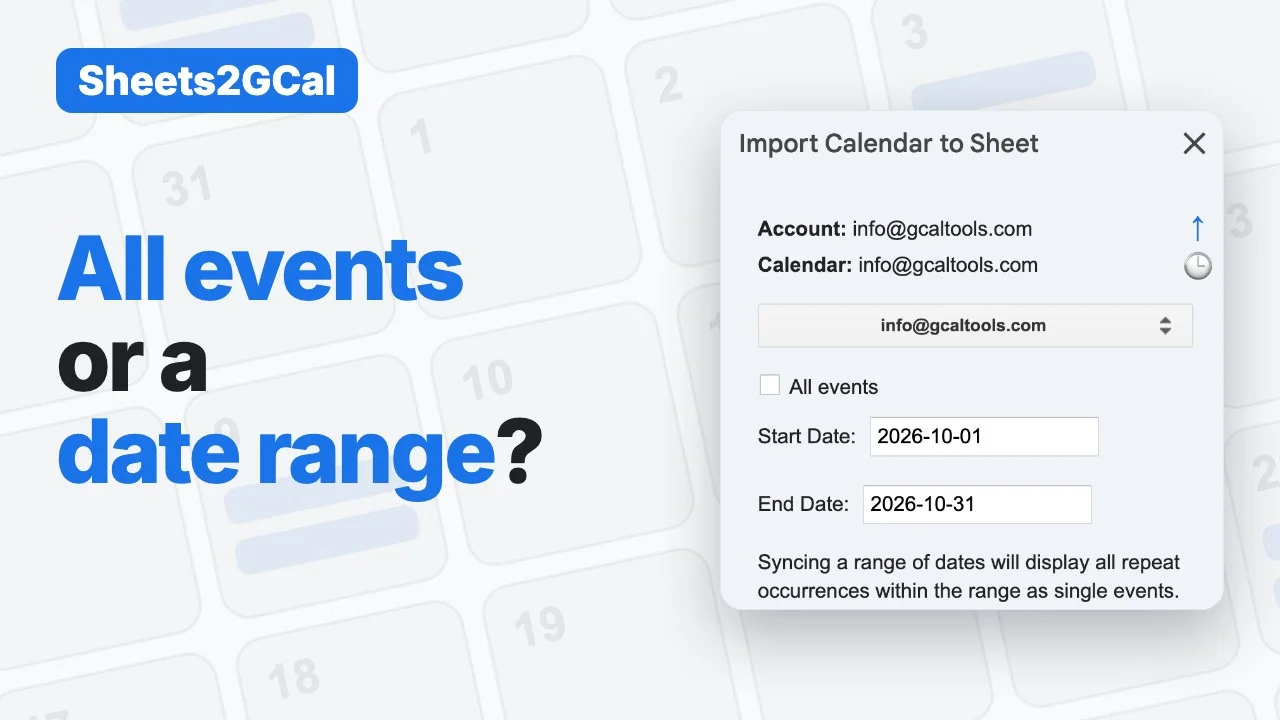 Sheets2GCal: Import All Events or a Date RangeImport a Google Calendar into Google Sheets with Sheets2GCal, either all events, with each repeating series on one row, or a date range, with every occurrence on its own row.
GTasksToolkit
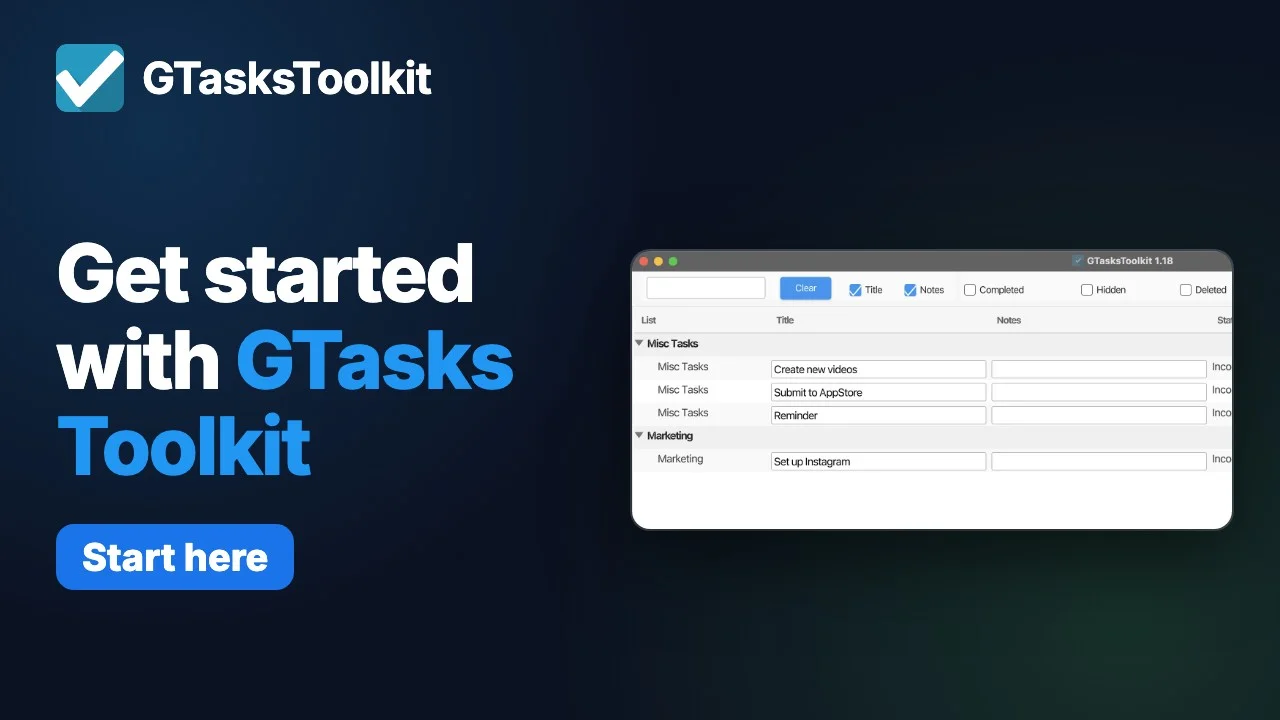 Get Started with GTasksToolkit for Google TasksConnect GTasksToolkit to Google Tasks, see every task list in one editable table, unlock the full version and restore a deleted task, on Windows, Mac or Linux.
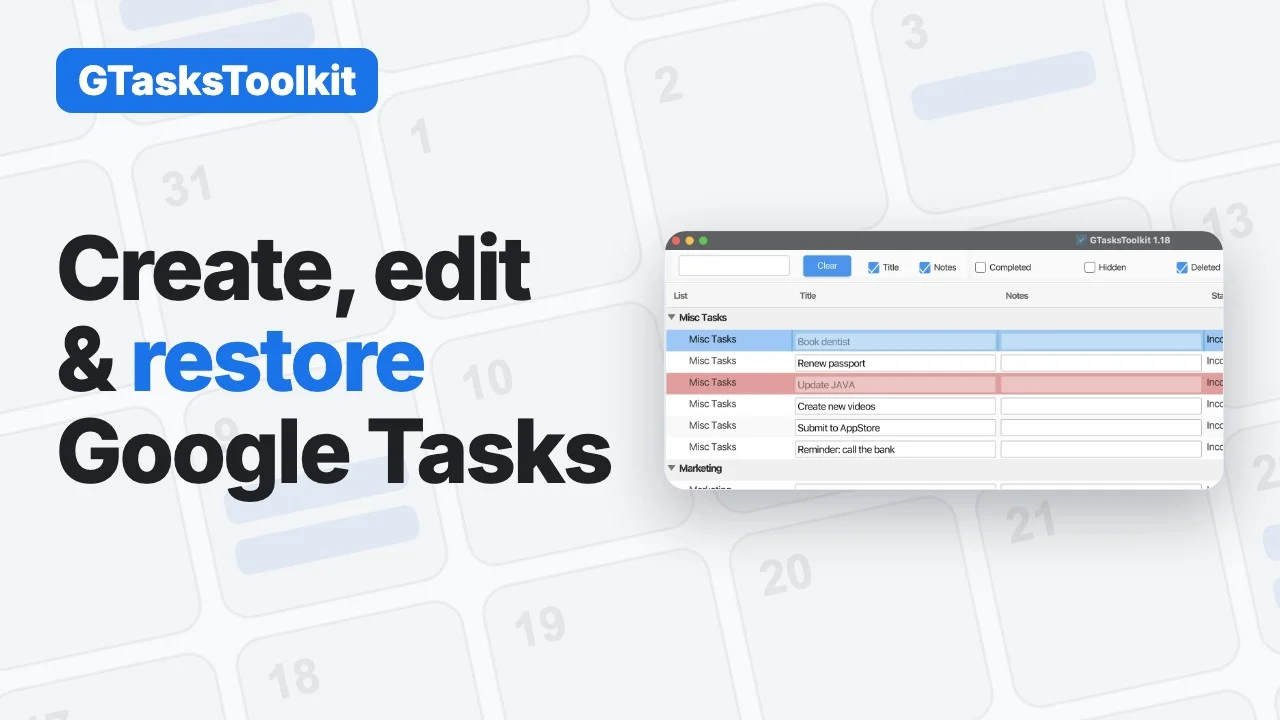 Create, Edit, Delete and Restore Google Tasks on Your DesktopManage Google Tasks in one table with GTasksToolkit on Windows, Mac or Linux. Create tasks and lists, edit and delete tasks, and restore a deleted one, then save everything to Google at once.
GCalPlus
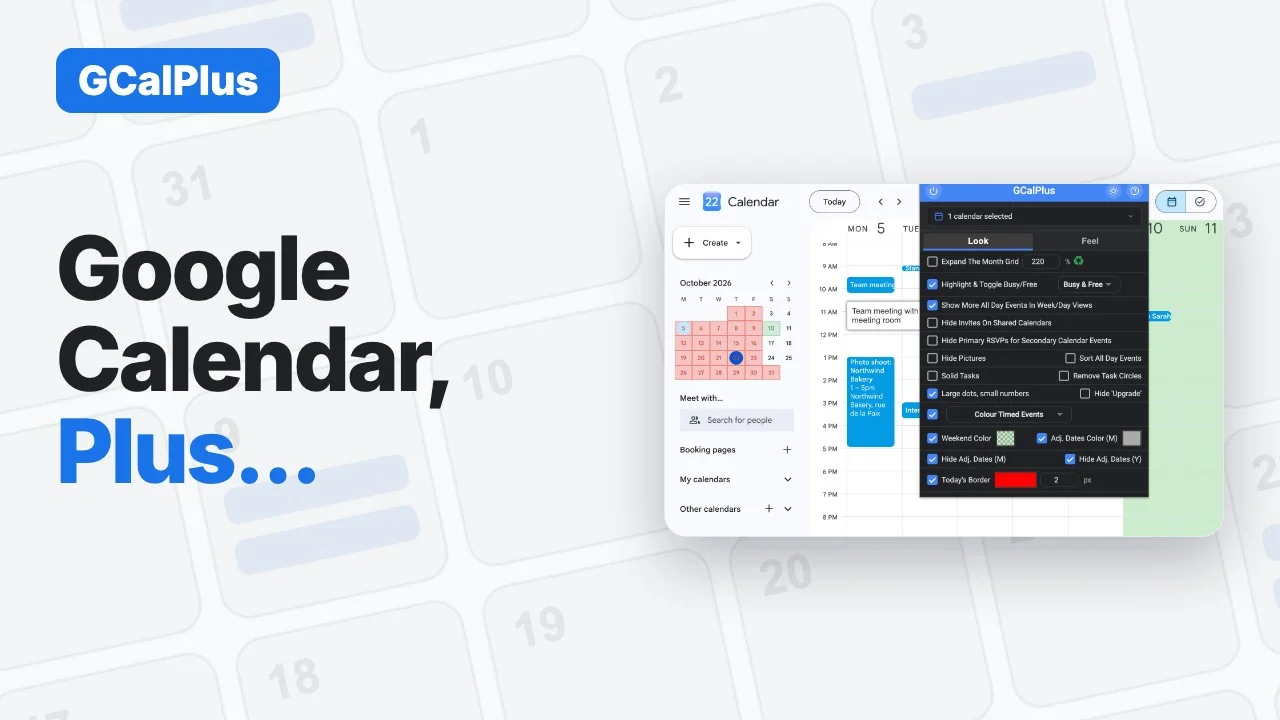 GCalPlus for Google Calendar: Busy Days, Hover Titles and Multiple CopyGCalPlus is a free Chrome extension that adds options Google Calendar doesn't have. Install it, connect your Google account, then switch on busy days at a glance, full titles on hover, copying an event to several dates and more.
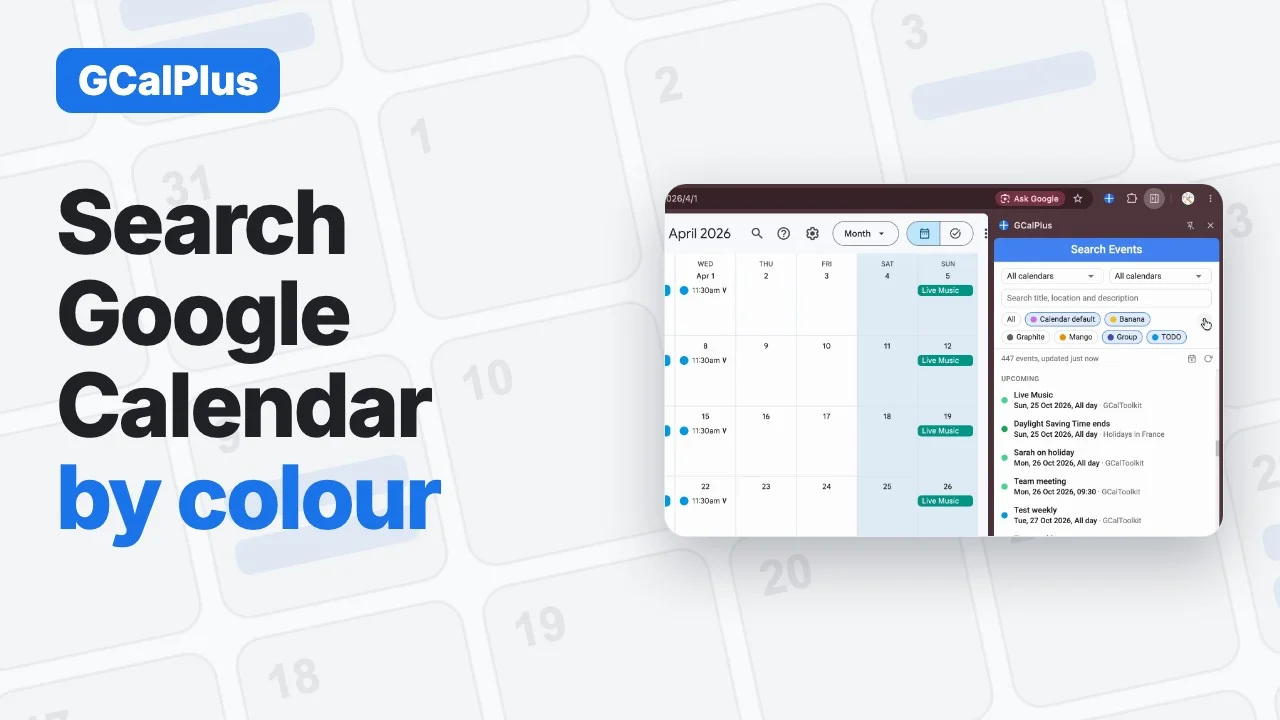 Search Google Calendar by colour with GCalPlusGoogle Calendar can't search by colour, but GCalPlus can: a side panel next to your calendar finds events by colour or label, calendar and text, and opens any result in Google Calendar.
WebTools
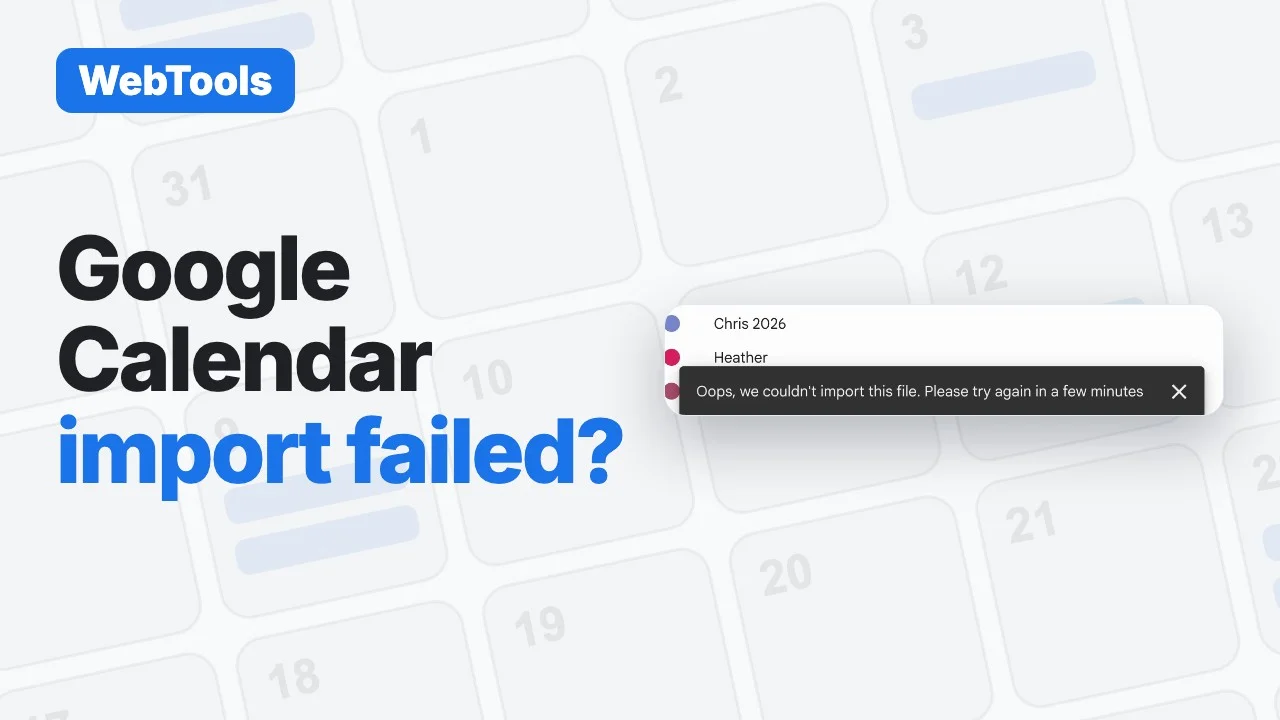 Google Calendar Import Failed? How to Import Large iCal Files (Free)Google Calendar won't import large iCal (.ics) files: you get "Imported 0 out of 0 events. Unable to process your iCal/CSV file." or "Oops, we couldn't import this file". Split the file into parts of 1,000 events, or import it whole with WebTools, free.
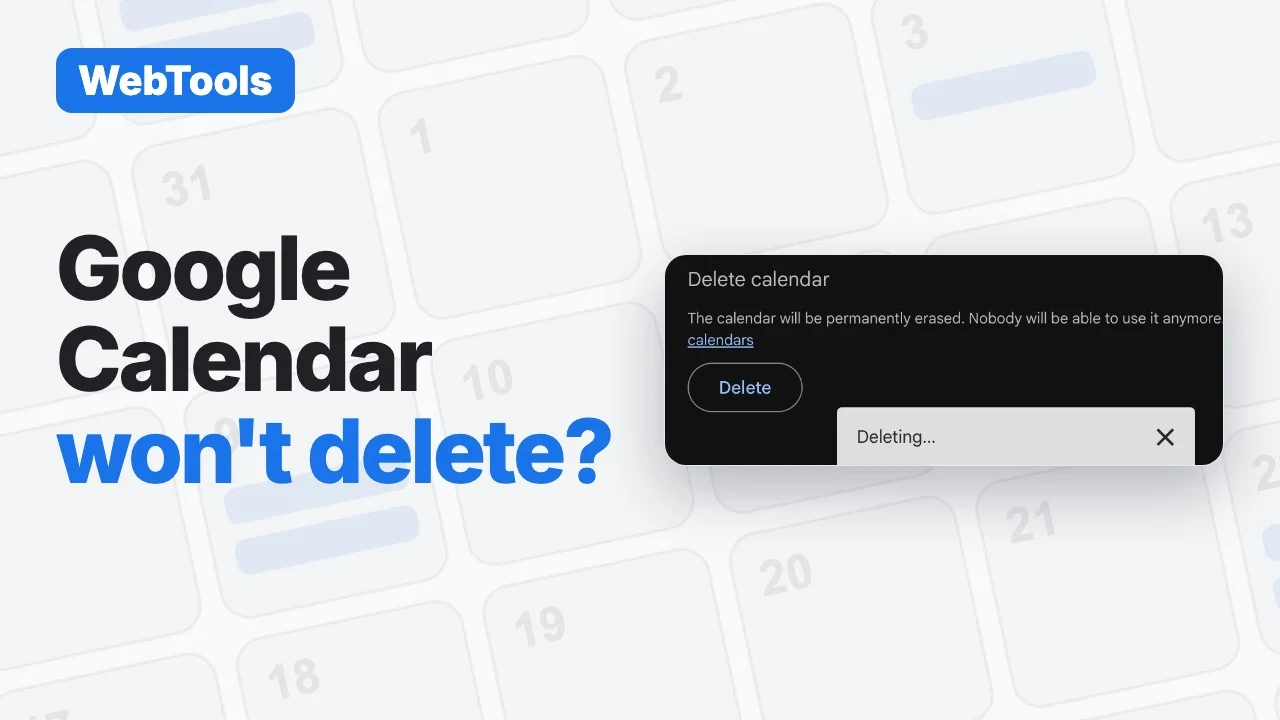 Google Calendar Won't Delete a Calendar? Remove It with WebToolsGoogle Calendar sometimes won't delete a calendar: "Deleting..." appears and nothing happens. Some calendars, such as an old subscription, don't even show in the calendar list. WebTools deletes or unsubscribes them for you, hidden ones included.
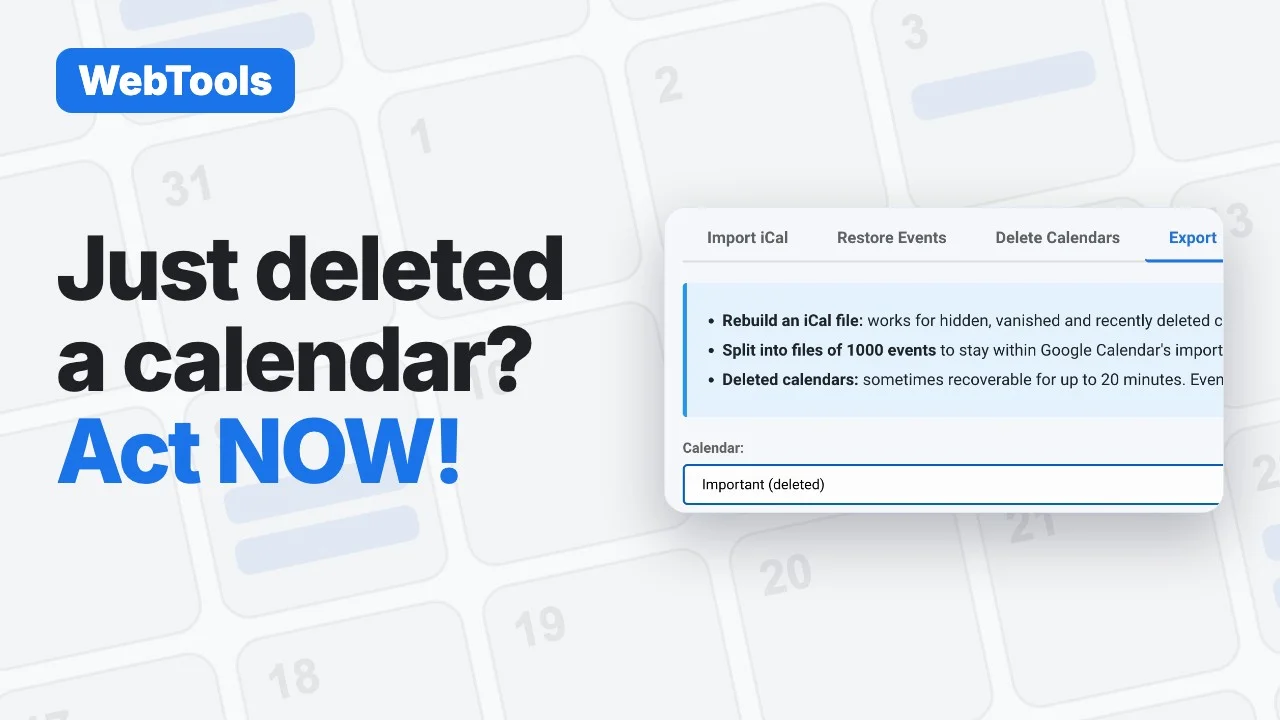 Just Deleted a Google Calendar? Act Now to Save ItJust deleted a Google calendar? For up to about 20 minutes, there's a small chance WebTools can still export it: sign in, open Export, pick the calendar marked (deleted) and click Export. Then import the file into a new calendar.