
Get a Missing Family Calendar Back in Google Calendar
To get a missing Family calendar back in Google Calendar, copy its Calendar ID from the settings of an account that can still see it, then paste that ID into Add calendar, Subscribe to calendar, in your own account. The same works for any Google calendar that hasn't been deleted.
This happens often with the Family calendar: it's still there for everyone else in the family, but it vanishes from one person's calendar list and settings.
1. Copy the Calendar ID from an account that still has it
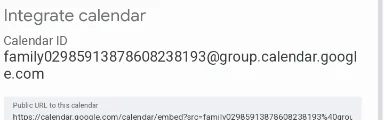
In an account that can still see the calendar, open Google Calendar's settings on the web, click the Family calendar, and scroll down to Integrate calendar. Copy the Calendar ID; for the Family calendar it starts with family and ends in @group.calendar.google.com.
2. Subscribe to it in your account
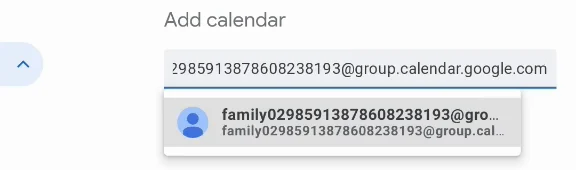
In the account that lost the calendar, open Settings, then Add calendar, then Subscribe to calendar, the first option. Paste the Calendar ID: the calendar comes up as a suggestion. Select it.
3. Check it's back
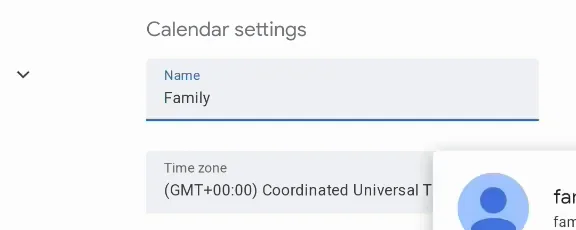
After a moment the Family calendar is added again, with its settings, and its events show in your calendar.
More Google Calendar fixes
Looking for more ways to get the most out of Google Calendar? See all our tutorials, or watch the Google Calendar Tips and Tricks playlist.