
Just Deleted a Google Calendar? Act Now to Save It
To restore a Google calendar you've just deleted, export it with WebTools straight away, then import the file into a new calendar. There's only a small chance it works, and only for up to about 20 minutes after you clicked "Permanently delete", so do this first and read on afterwards.
1. A calendar deleted with "Permanently delete"
In Google Calendar, a calendar is deleted from its settings: open its options, choose "Settings and sharing", click "Delete" under "Delete calendar", and confirm with "Permanently delete".
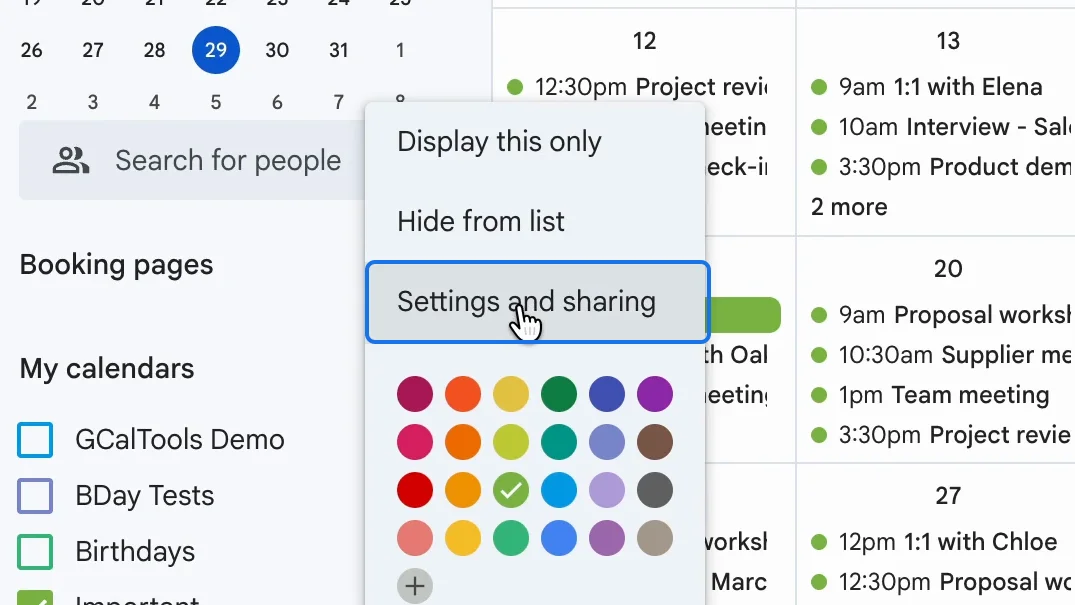
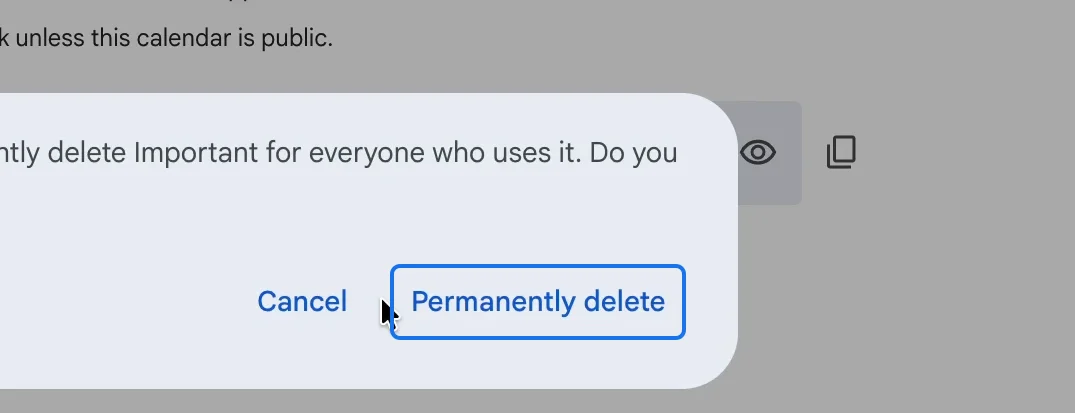
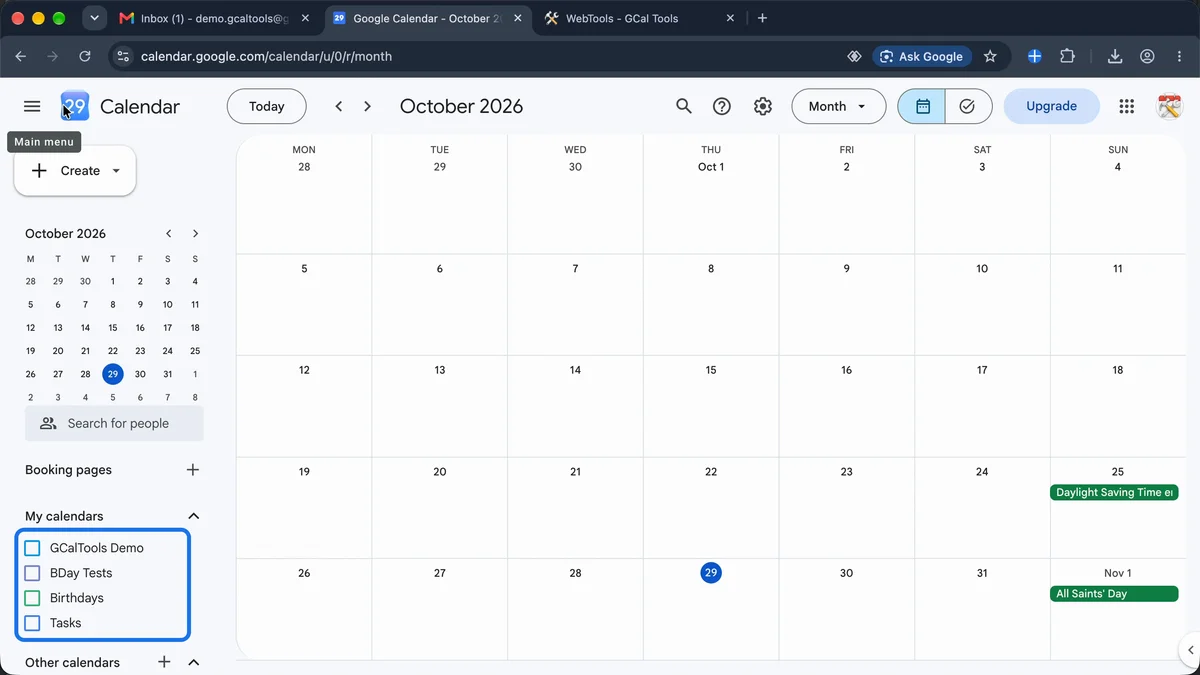
Google has no bin for calendars and no undo: the calendar and all its events disappear.
2. Open WebTools and sign in with Google
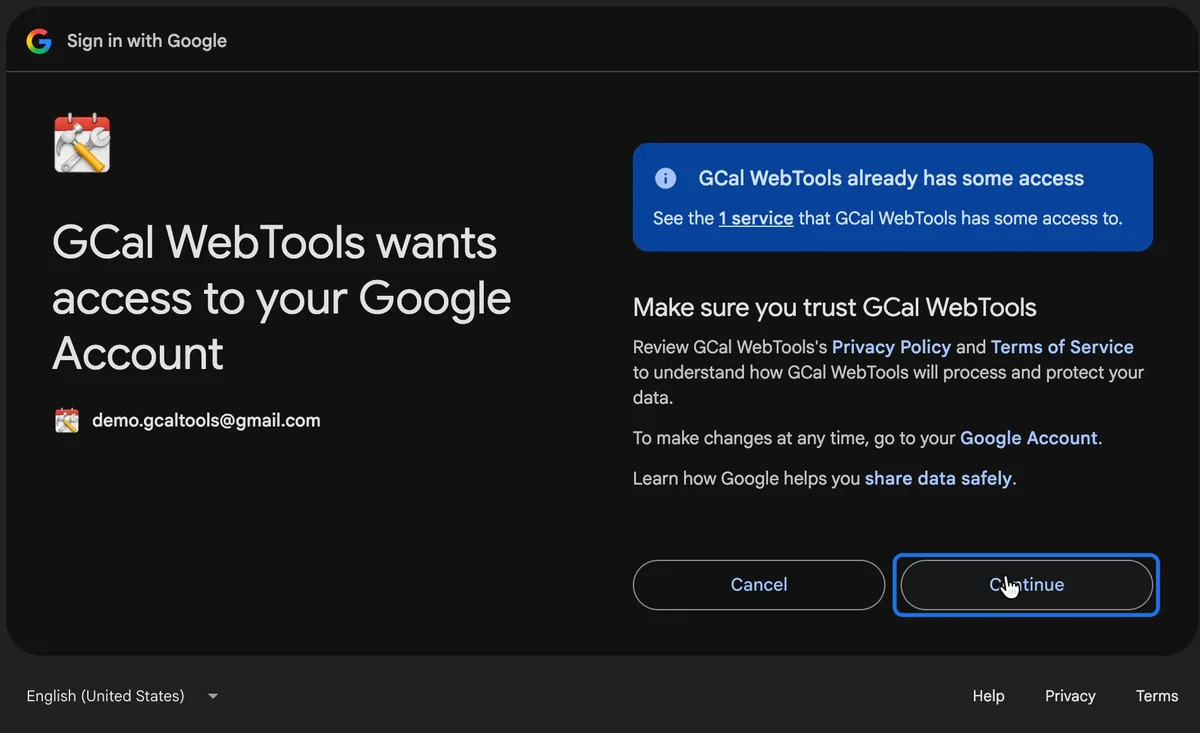
Open WebTools right away and click "Sign in with Google". Allow WebTools to access your calendars with "Continue".
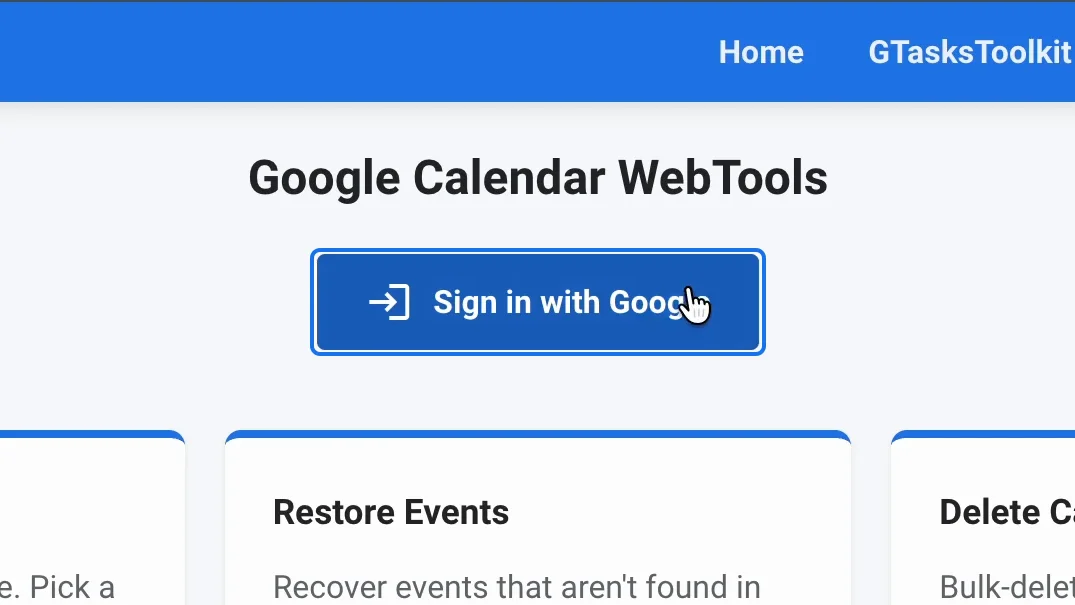
3. Export the calendar marked "(deleted)"
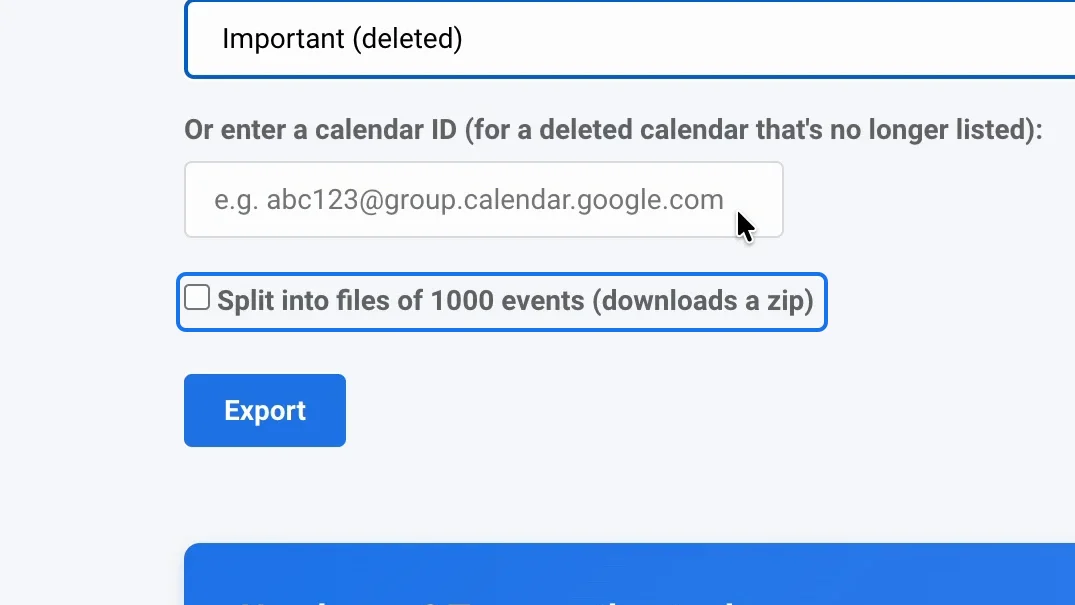
Go to the tab "Export". If Google can still read the deleted calendar, it appears in the Calendar list with "(deleted)" after its name.
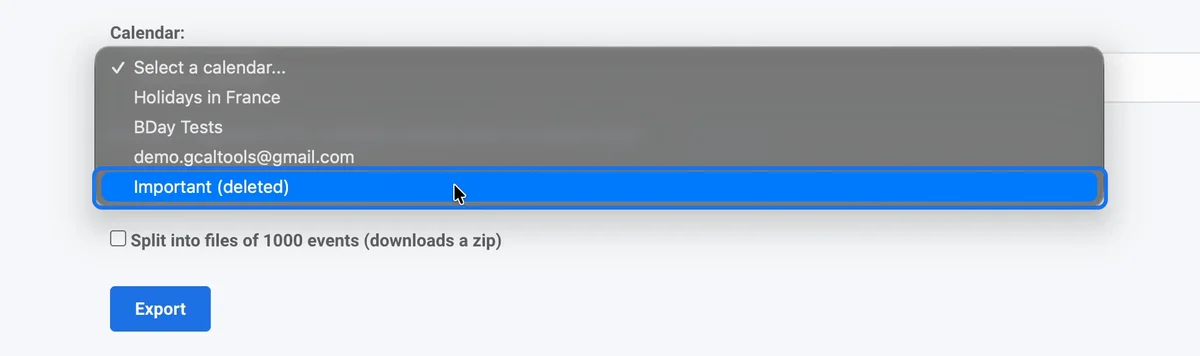
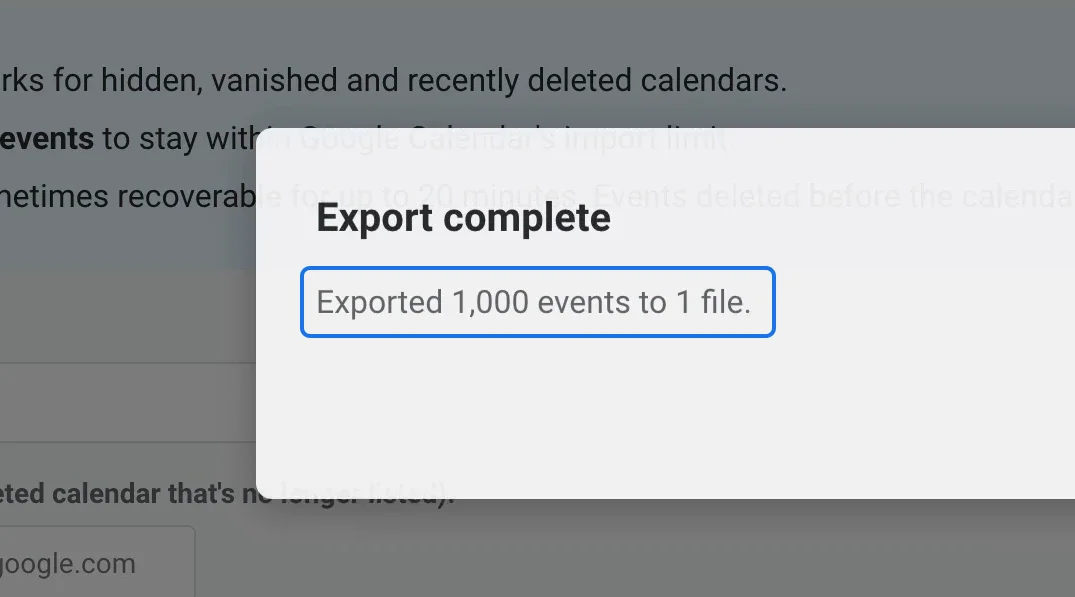
Select it and click "Export". WebTools saves all its events in an iCal file (.ics) in your downloads.
4. Create the calendar again
In Google Calendar's settings, open "Add calendar", choose "Create new calendar", give it the old name and click "Create calendar".

5. Import the file into the new calendar
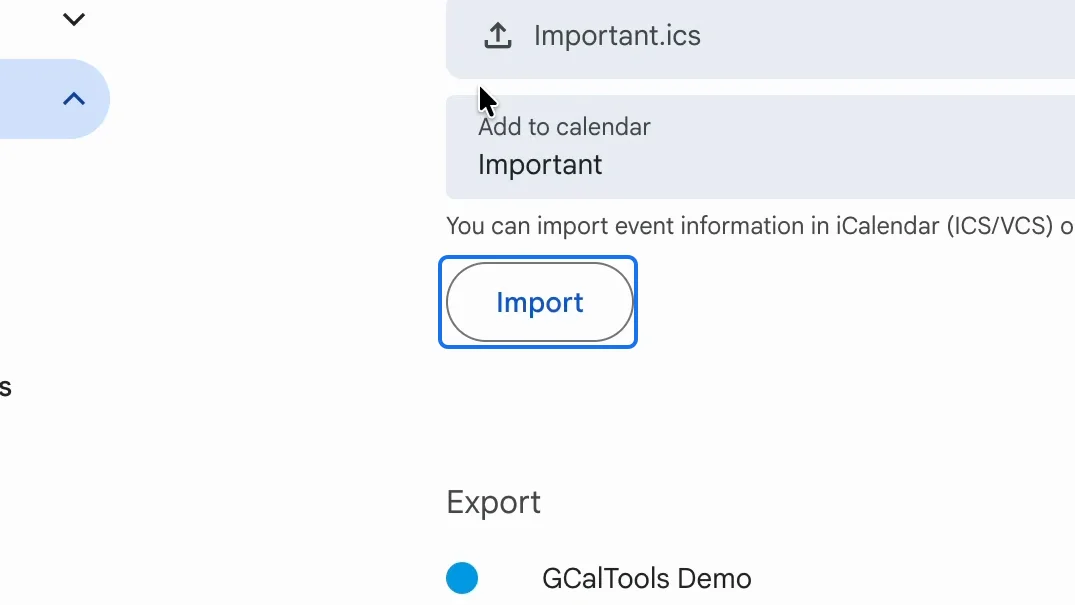
Open "Import & export", select the downloaded file, choose the new calendar under "Add to calendar", and click "Import". When it finishes, Google reports how many events it has added.
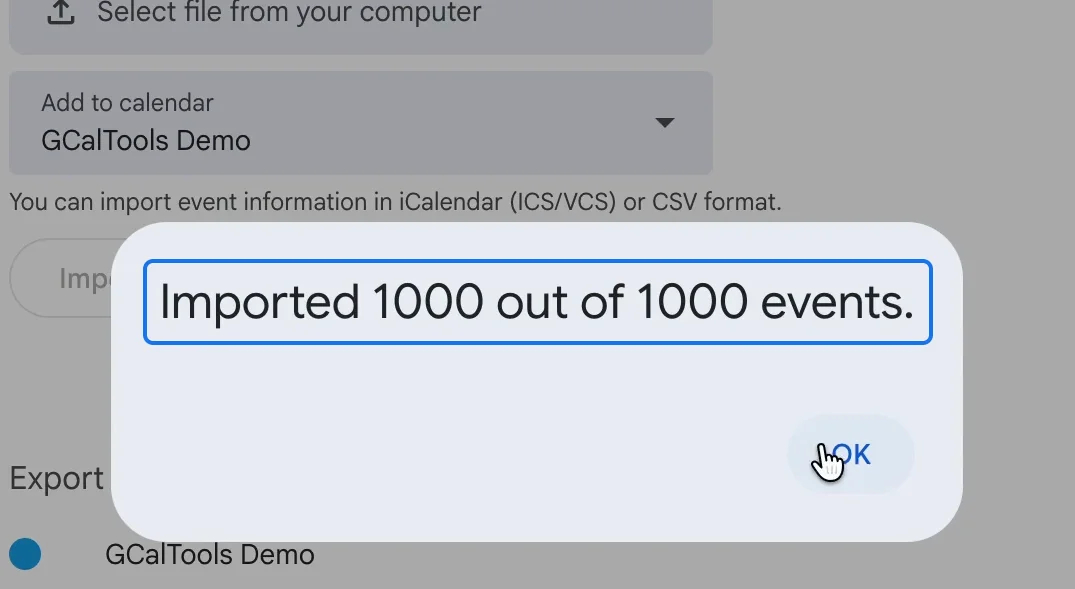
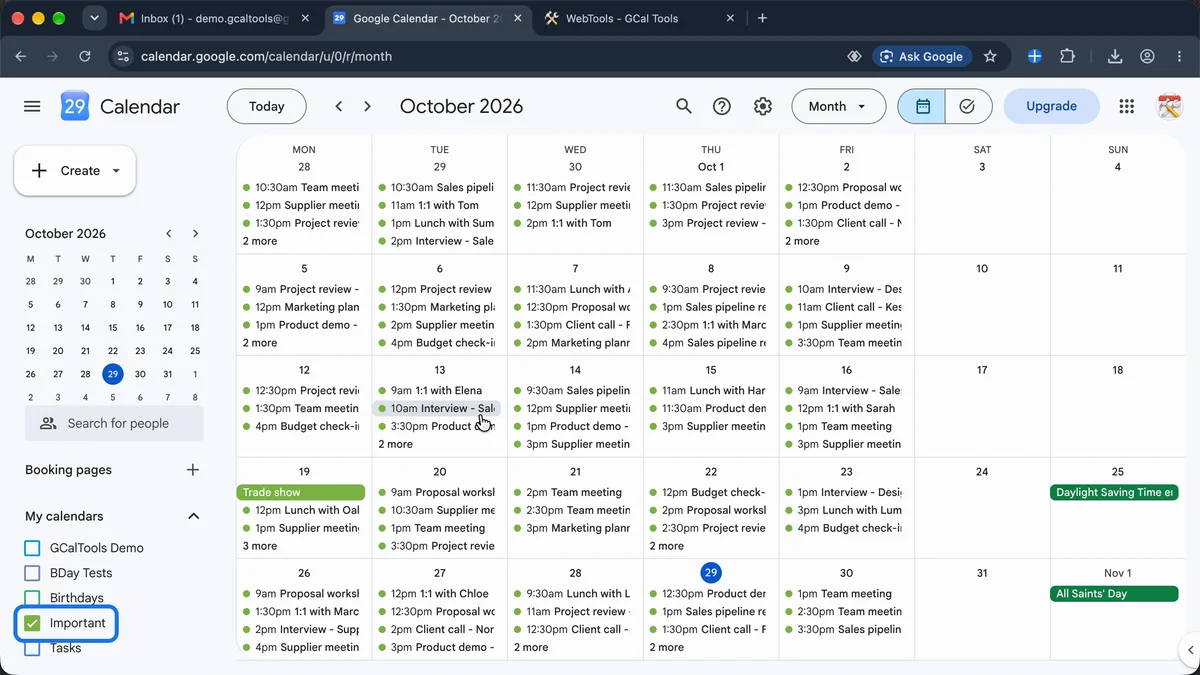
The calendar is back, with every event in its place.
Good to know
- The chance of saving a deleted calendar is small, and lasts up to about 20 minutes, so don't wait.
- Events you removed before deleting the calendar may reappear as well.
- Export also works for calendars missing from your list, not only deleted ones.
- Tick "Split into files of 1000 events" to keep a big calendar within Google Calendar's import limit (it downloads a zip).

Watch the full playlist on YouTube
Try it
Save a deleted calendar for free with WebTools, and discover all our calendar tools at gcaltools.com.