
Get Started with GTasksToolkit for Google Tasks
GTasksToolkit is a desktop app for Google Tasks on Windows, Mac and Linux: connect your Google account once, and every task list opens in one editable table. With the full version you can also restore tasks you deleted in Google Tasks.
This guide covers the first start, unlocking the full version, and bringing back a deleted task.
1. Connect your Google account
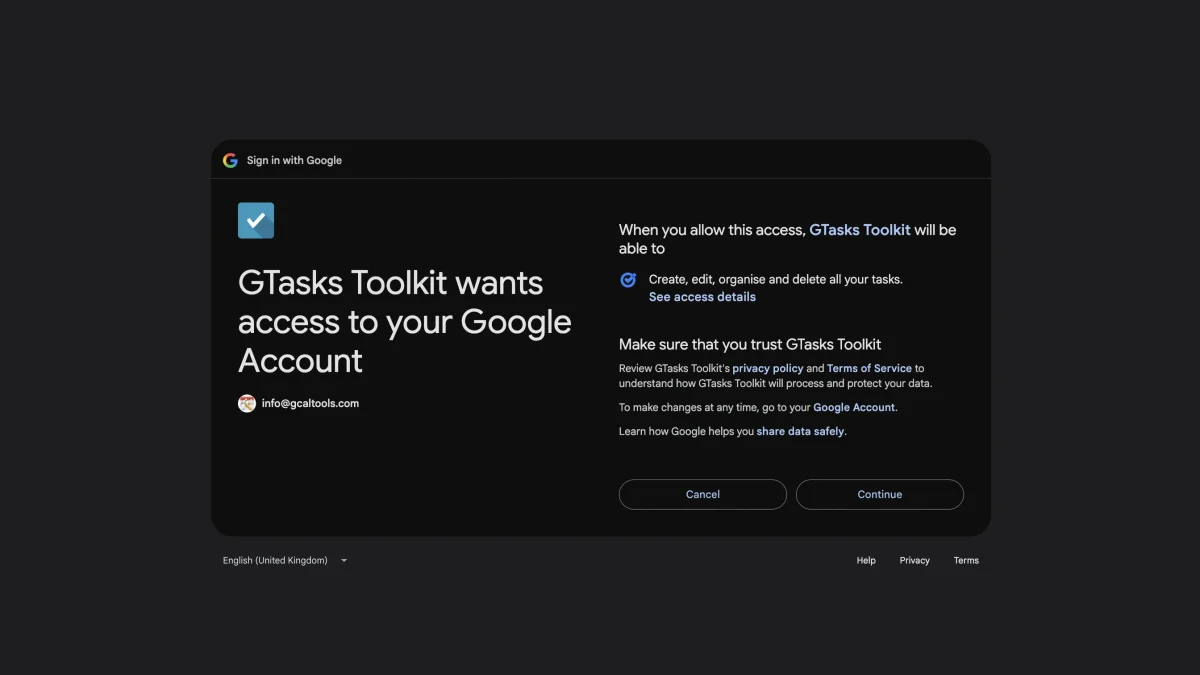
On first start, GTasksToolkit opens your browser to connect a Google account. Allow access with Continue.
2. Every list in one table
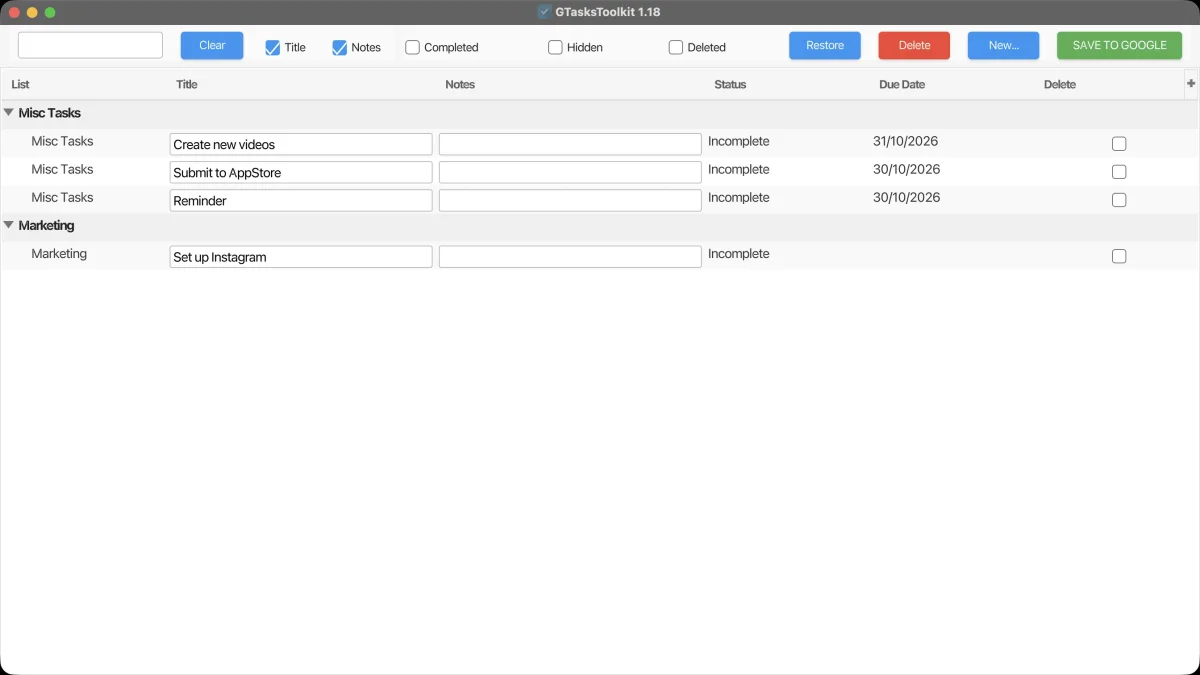
Back in the app, every task list appears in one table, and every task can be edited right there.
3. Unlock the full version
Open the menu "License", choose "View Details", and enter the email address and invoice number of your purchase.
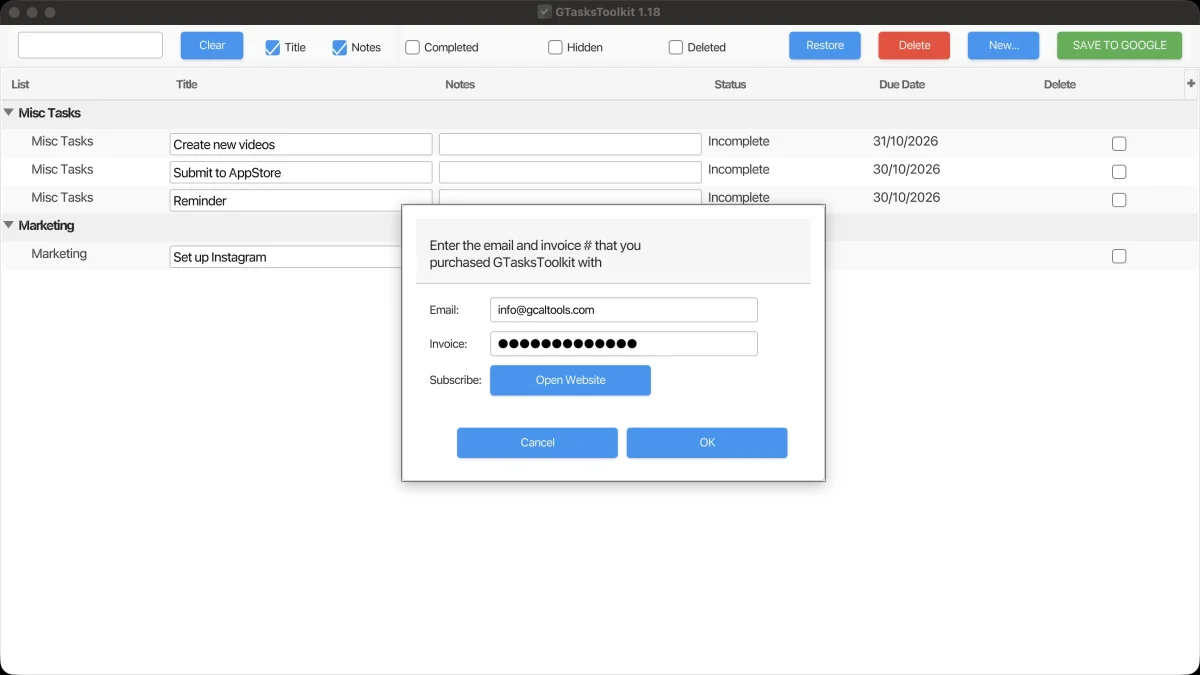
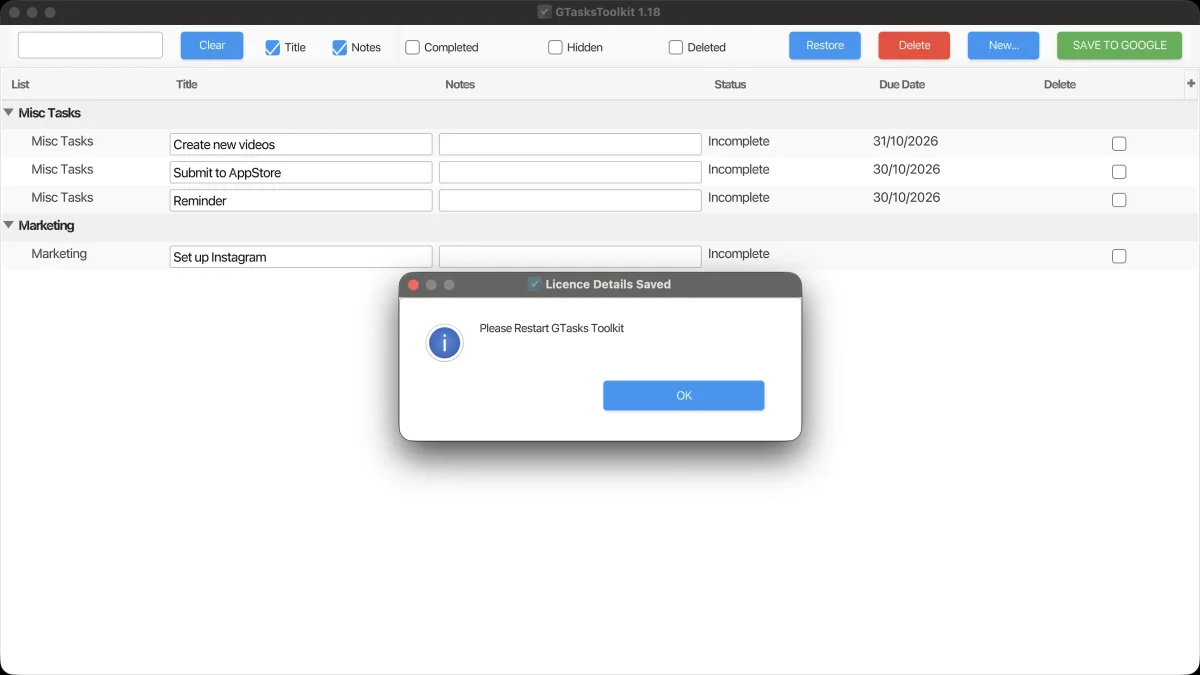
Restart GTasksToolkit when prompted. That's it: no more reminders to subscribe, and you can now restore deleted tasks.
4. Restore a deleted task
Here, "Update JAVA" was deleted in Google Tasks, so it's missing from Misc Tasks. In GTasksToolkit, tick the checkbox "Deleted": deleted tasks show up in red.
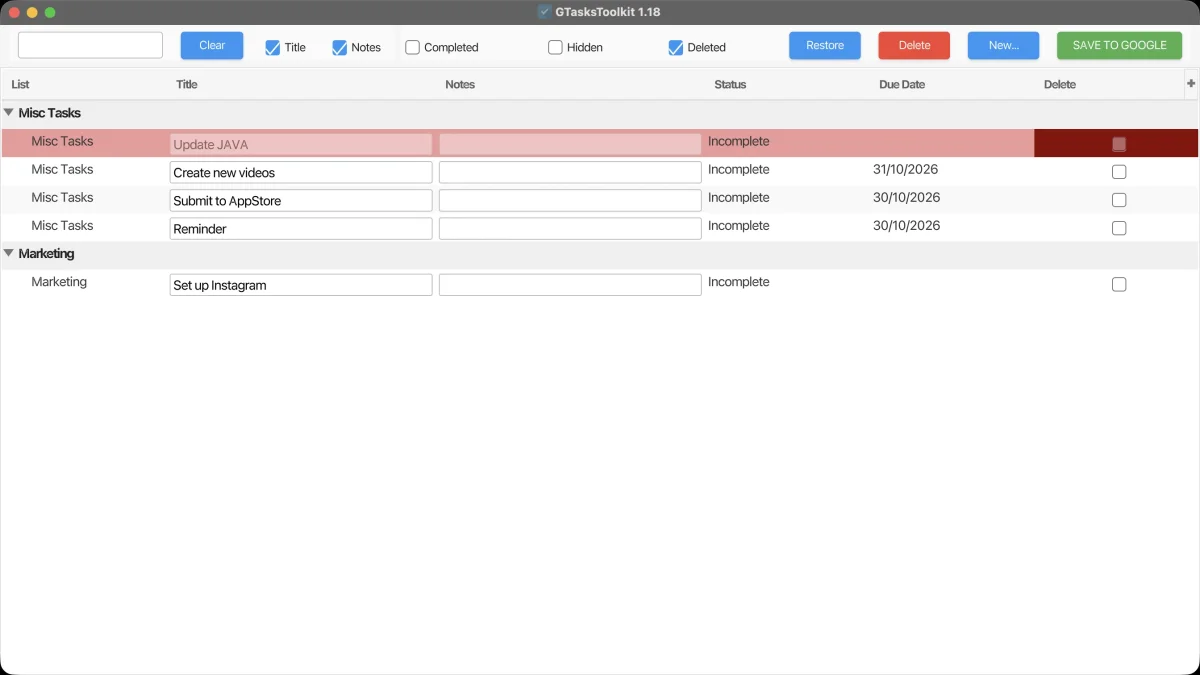
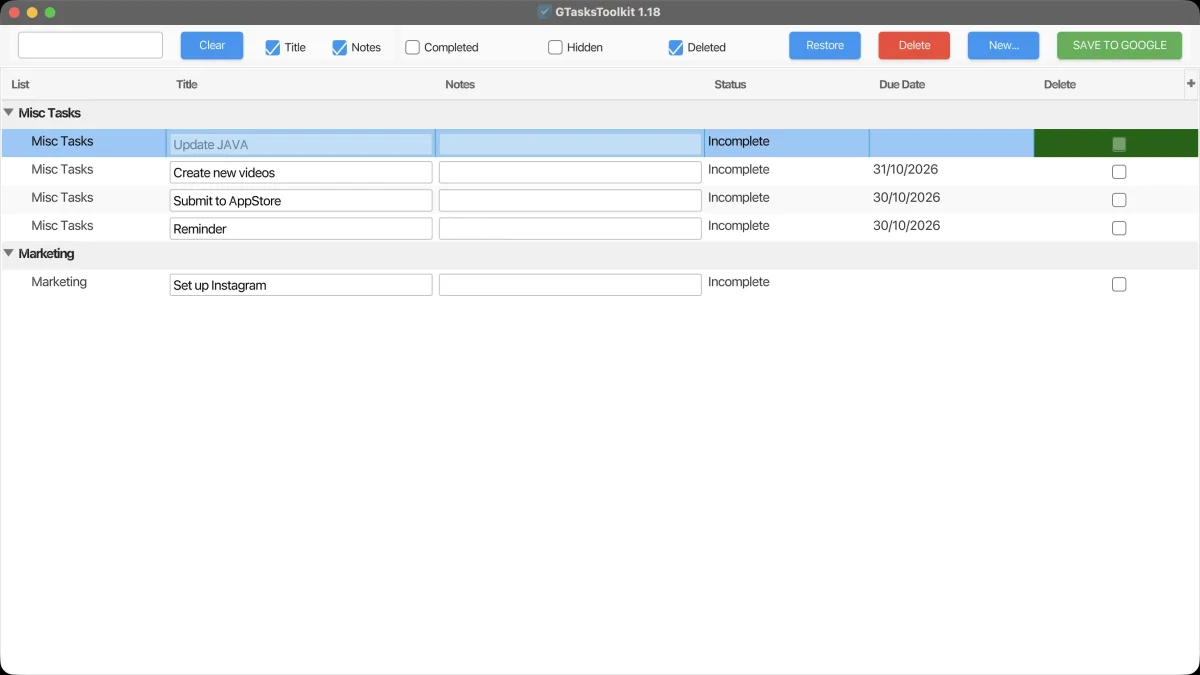
Select the task and press Restore: it turns green, marked to be restored.
5. Save to Google
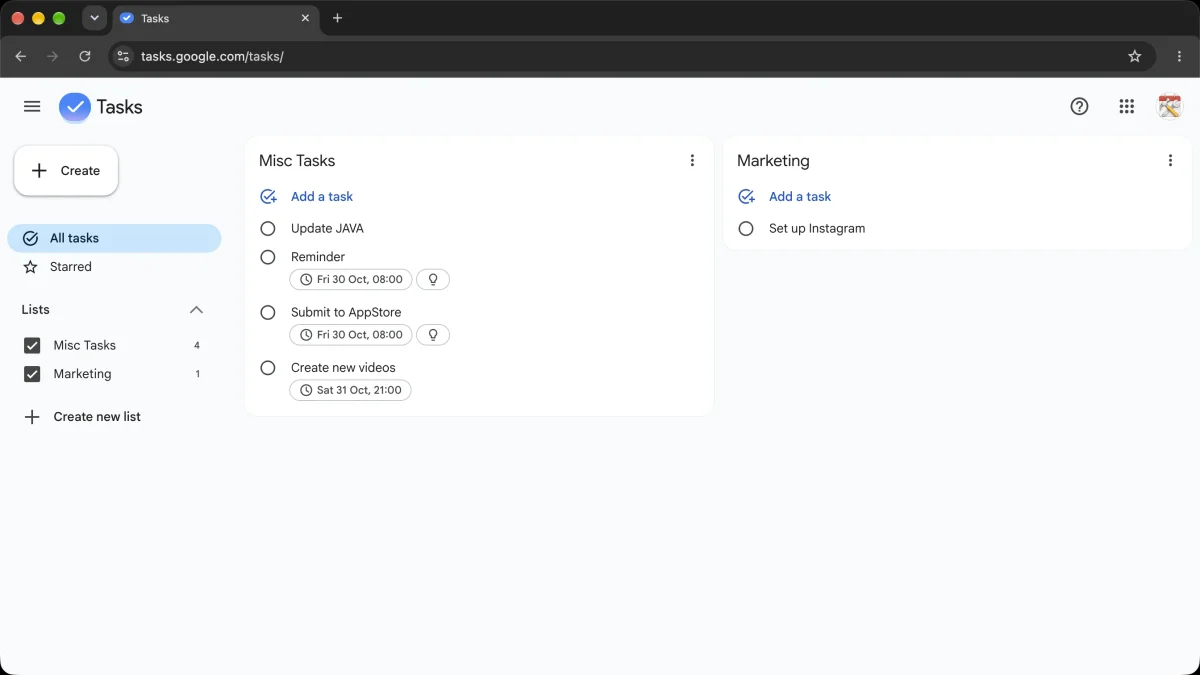
Nothing changes in Google Tasks until you click "SAVE TO GOOGLE". Reload Google Tasks, and "Update JAVA" is back in Misc Tasks.
Try it
Download GTasksToolkit for free for Windows, Mac and Linux.