
Use the Google Calendar Website on a Phone Without Opening the App
To use the Google Calendar website on a phone, type calendar.google.com into the browser's address bar instead of tapping a search result, then switch on the browser's "Desktop site" setting. You then get the full website, with settings the app doesn't offer, such as importing a calendar.
You can also go straight to https://calendar.google.com/calendar/r, which should open the desktop site without switching modes.
1. Don't tap the search result
Search for Google Calendar and tap the result, and your phone opens the Google Calendar app instead of the website.
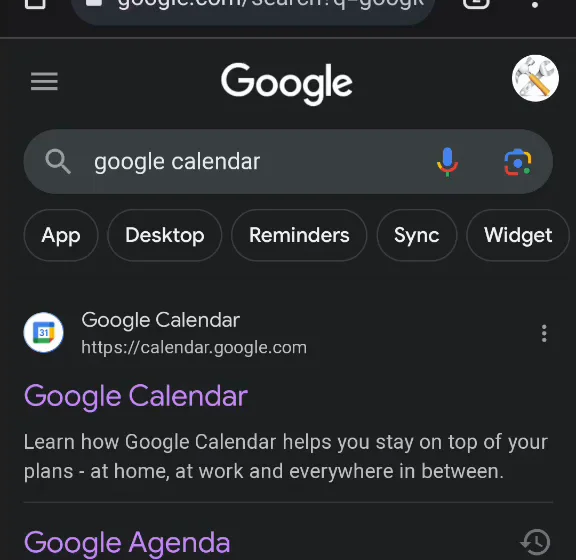
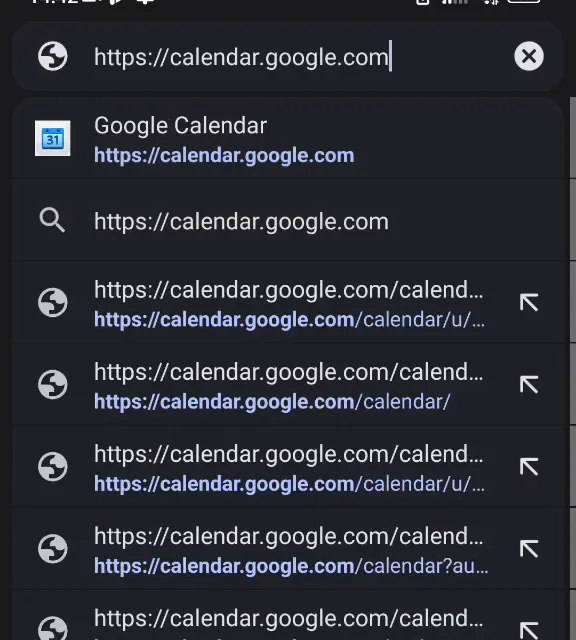
2. Type the address
Instead, type or paste calendar.google.com into the address bar.
That opens Google Calendar's mobile site, a basic view. Its Desktop link at the bottom opens the app again, so don't use it.
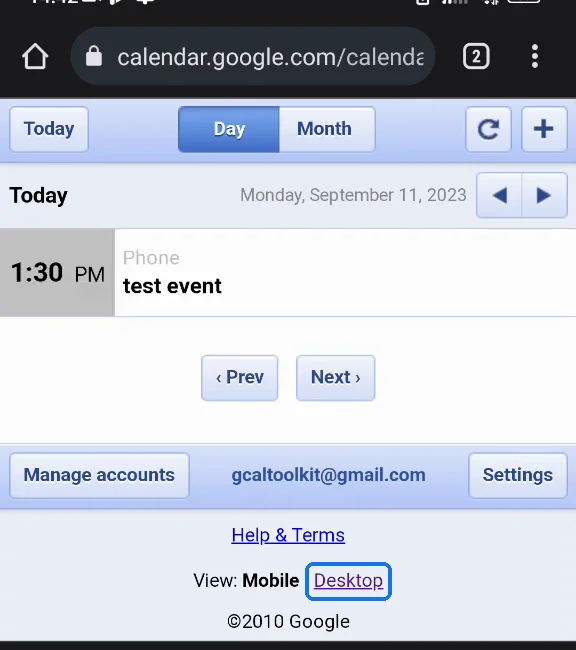
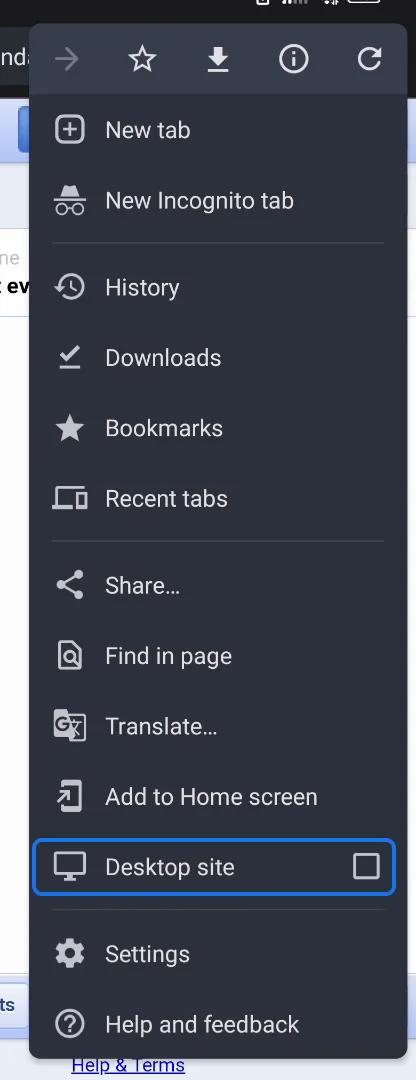
3. Switch on Desktop site
Open the browser's menu (in Chrome, the three dots) and tick "Desktop site". The full Google Calendar website opens.
Bookmark the page to come back to it without these steps.
4. Do what the app can't do
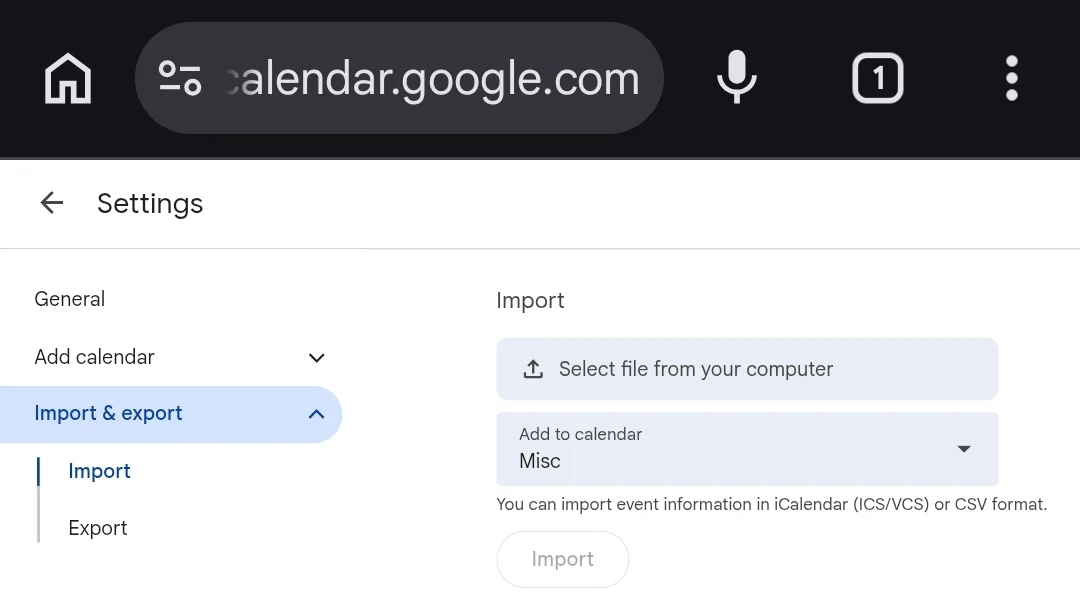
The website has every setting, including Import & export, which the app doesn't have.
More Google Calendar fixes
Looking for more ways to get the most out of Google Calendar? See all our tutorials, or watch the Google Calendar Tips and Tricks playlist.