
Can't Unshare a Google Calendar? Remove the Address With the API Explorer
If you can't remove someone from a shared Google Calendar, because their address comes back every time you click the cross, remove them with Google's Calendar API Explorer instead. Open its "Acl: patch" method, enter the calendar's ID and "user:" followed by their address, set the role to "none", and click Execute.
This happens especially with addresses that aren't Google accounts. The API Explorer is Google's own page for trying the Calendar API, so nothing needs installing.
1. The address that won't go
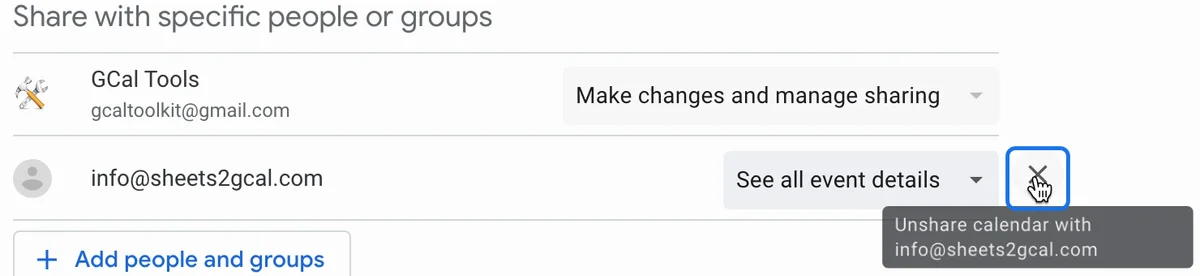
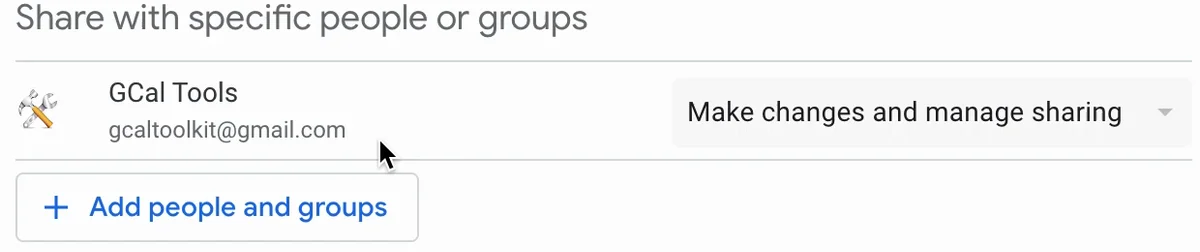
In Google Calendar's settings for the calendar, under "Share with specific people or groups", clicking the cross next to the address doesn't remove it for good: it keeps coming back.
2. Copy the calendar's ID
In the same settings, scroll down to "Integrate calendar" and copy the Calendar ID.

3. Open "Acl: patch" in the API Explorer
Open the Acl: patch page of the Calendar API reference. The "Try this method" panel on the right lets you run it. If you don't see it, click "Try it now".
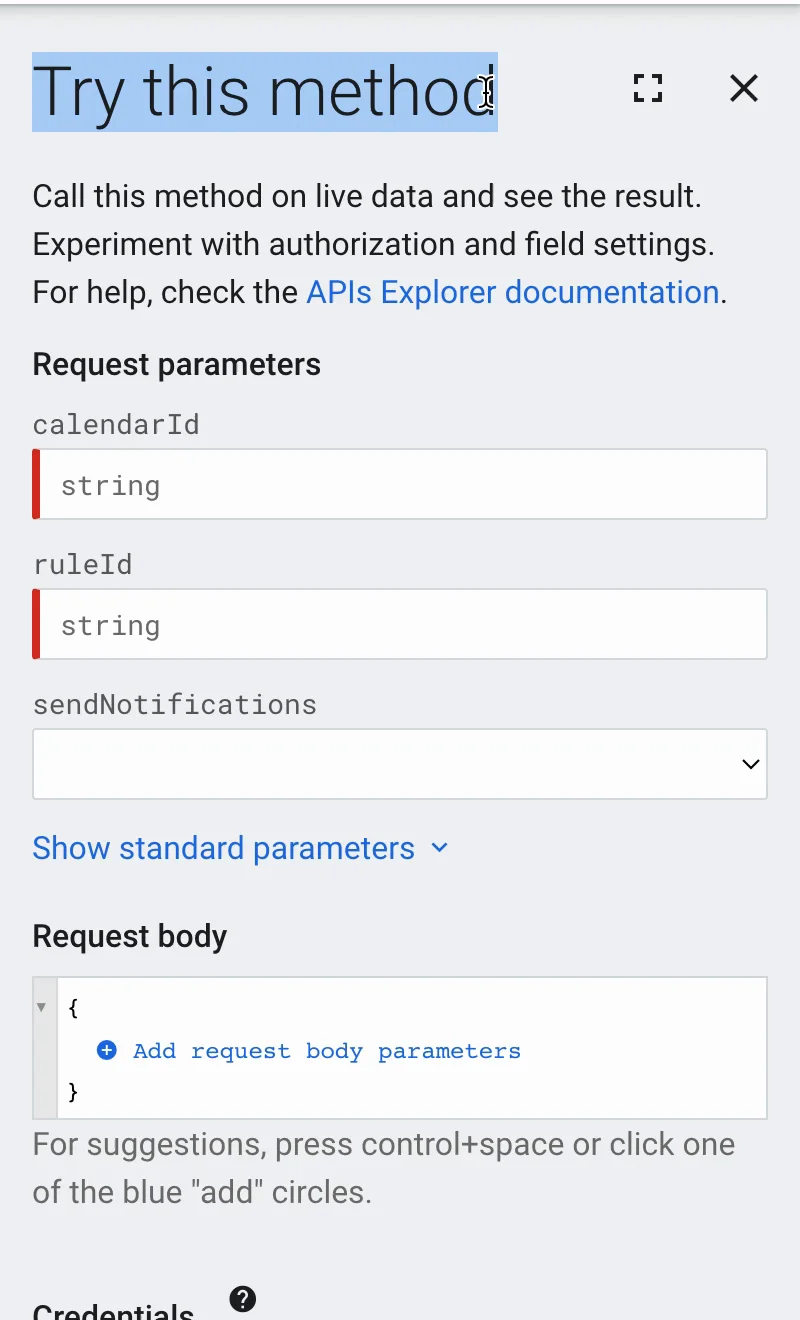
4. Fill in the calendar, the address and the role
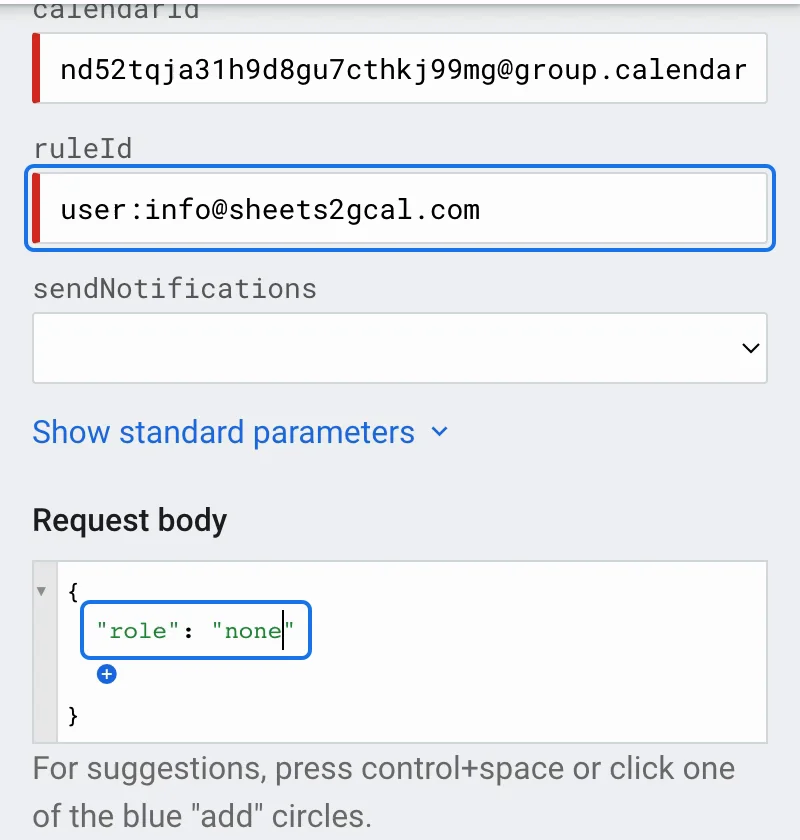
- calendarId: paste the Calendar ID.
- ruleId: type user: followed by the address you want to remove, with no spaces, here user:info@sheets2gcal.com.
- Request body: click the small blue plus, choose "role" and type none.
The role "none" gives that address no access at all.
5. Execute
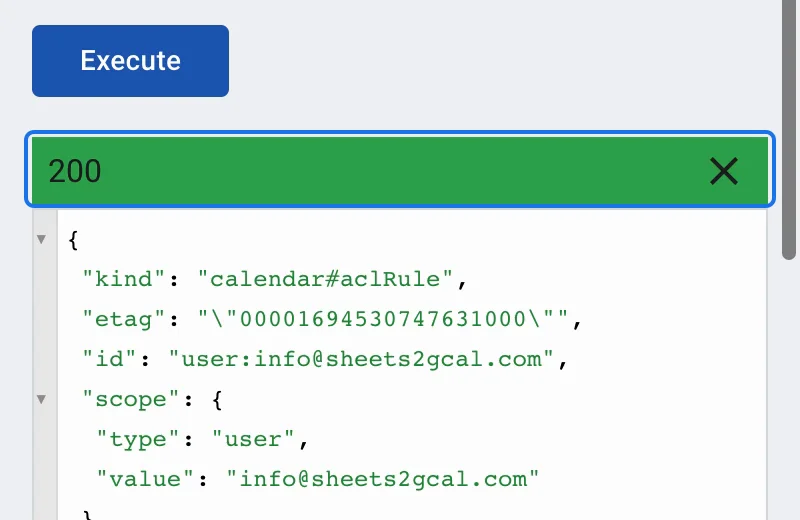
Click Execute. Google asks you to choose an account: pick the one you use for this calendar, and allow access to your calendars. A green 200 response means it worked.
6. Check the sharing list
Back in Google Calendar, refresh the page: the address has gone from the sharing list.
More Google Calendar fixes
Looking for more ways to get the most out of Google Calendar? See all our tutorials, or watch the Google Calendar Tips and Tricks playlist.